
Free Printable Comic Strip Template
Print a free comic strip template below, or download it as a PDF: blank 6, 4, 8 or 3 panels, a comic book page or speech bubbles. Or customize your own: up to 10 panels, thought bubbles, writing lines and six numbered pages.
Ready-made comic strip templates
-
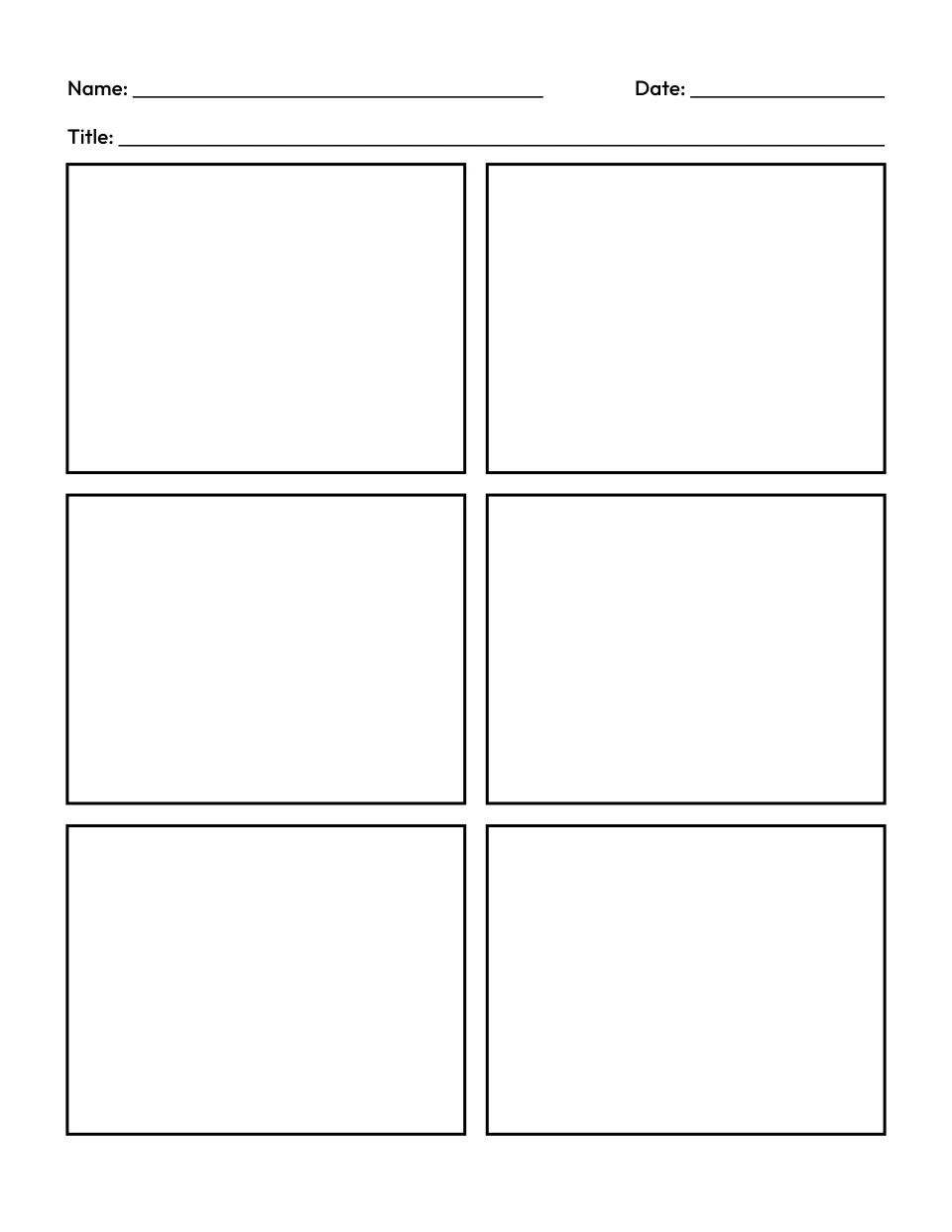
6 panels
Customize the blank comic strip template with 6 panels -
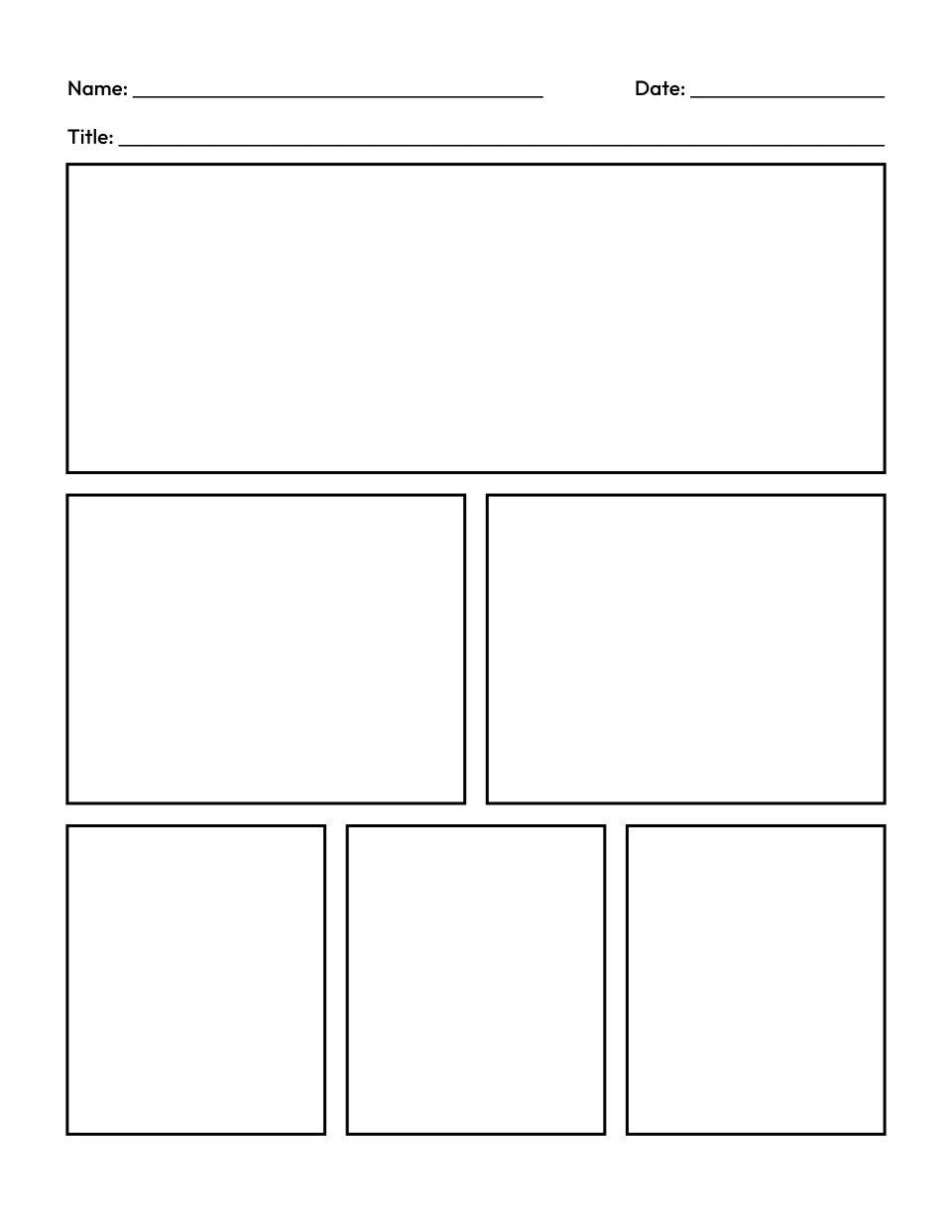
Comic book page
Customize the blank comic book page template -
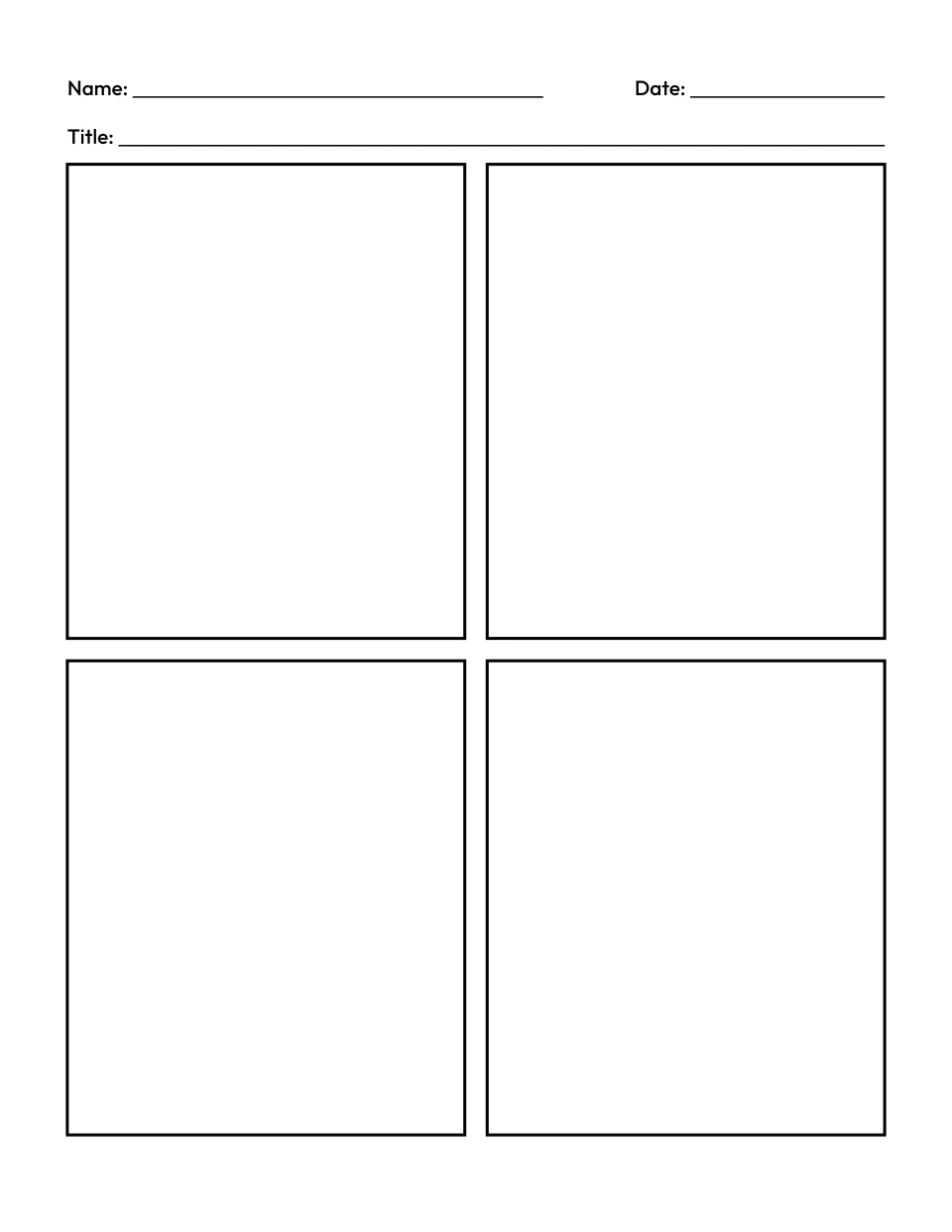
4 panels
Customize the 4 panel comic strip template -
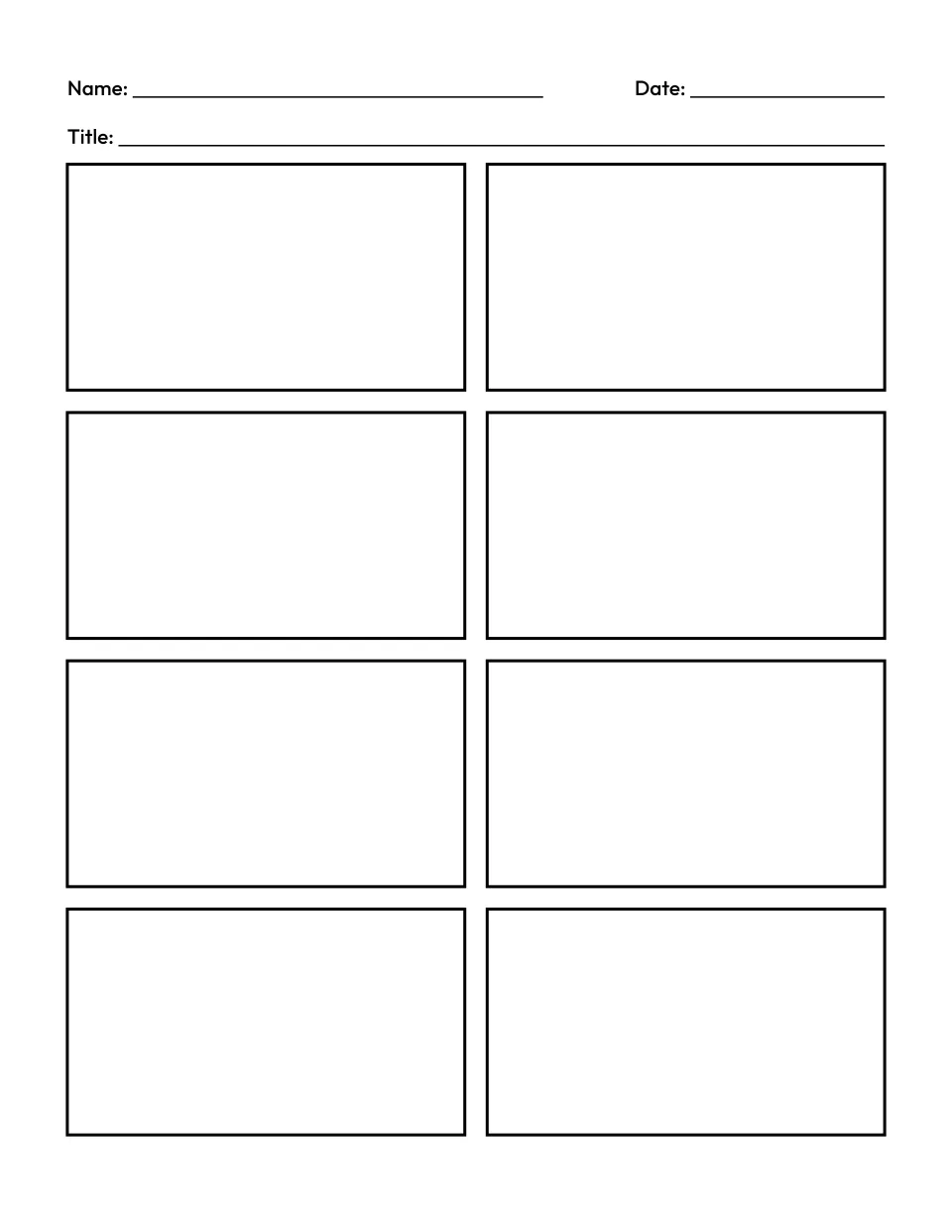
8 panels
Customize the 8 panel comic strip template -
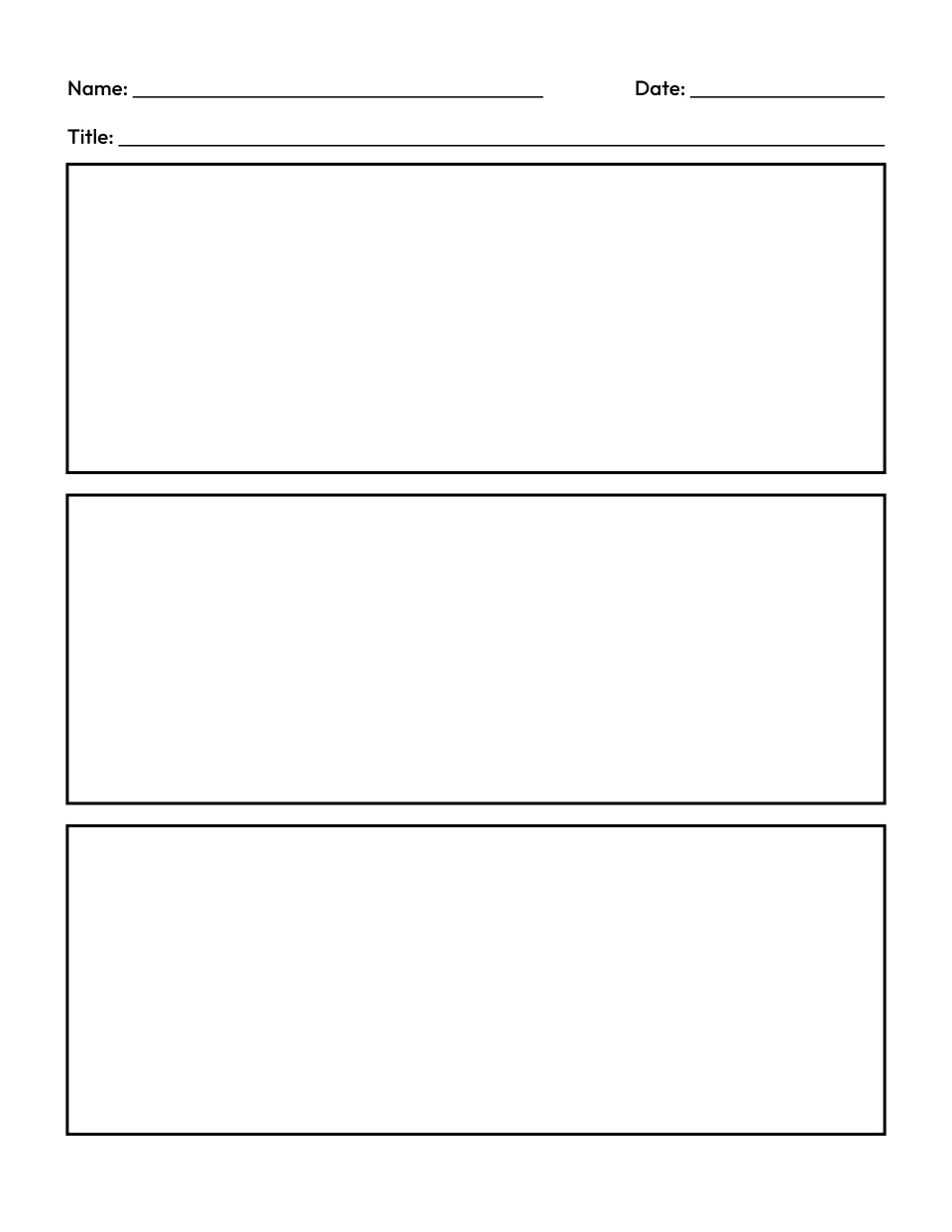
3 panels
Customize the 3 panel comic strip template -
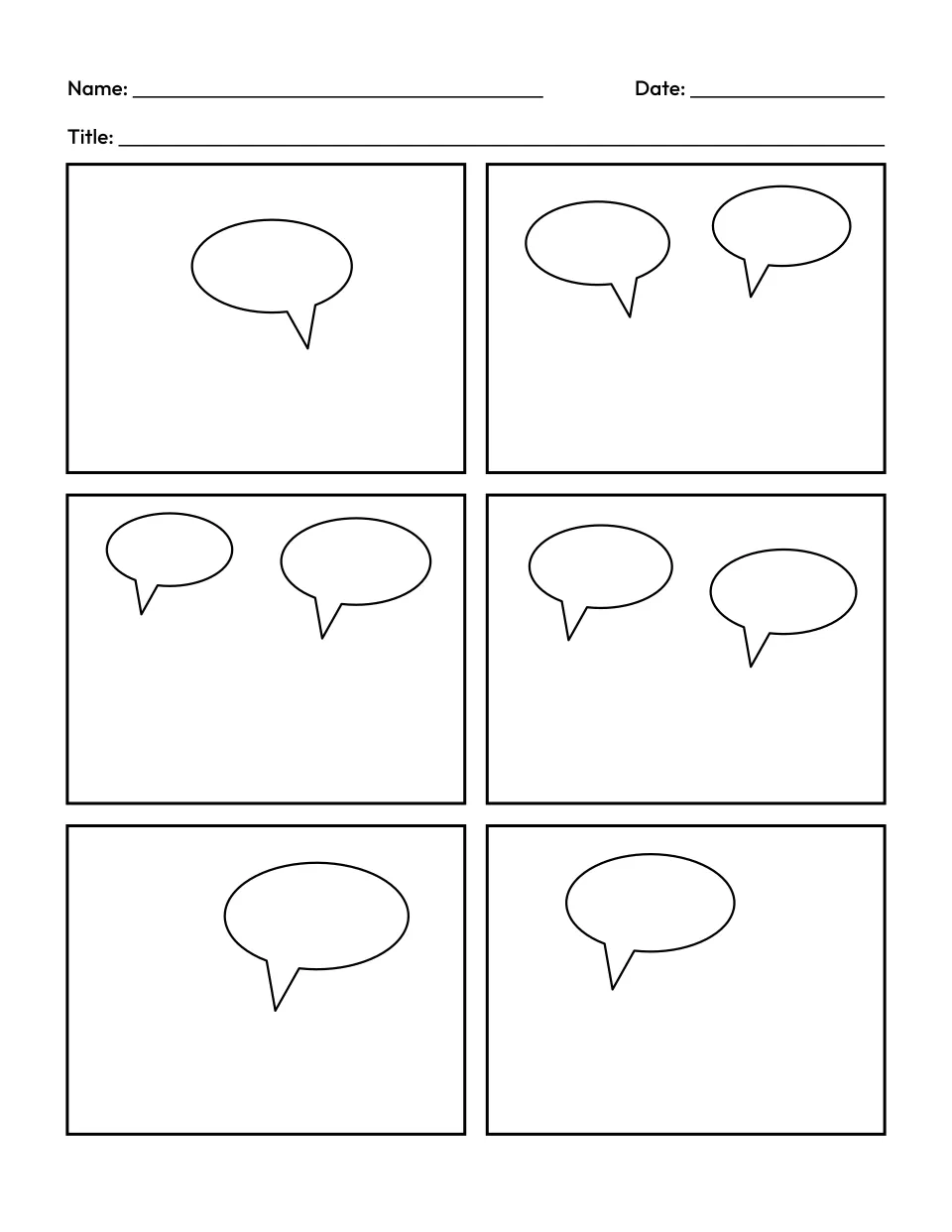
Speech bubbles
Customize the comic strip template with speech bubbles
How do you make a comic strip?
Plan the story first: who and where, a problem, how it is solved and how it ends. Give each moment its own panel, in order from left to right and top to bottom. Draw the pictures, then add speech bubbles for what someone says and a caption for the narrator. Pick a template with one panel per moment.
Customize your own
What is a comic strip template?
A comic strip template is a blank page of boxes, called panels, for a child to draw a story in, one moment per panel. Narrow gaps called gutters separate the panels. Speech bubbles hold what someone says, thought bubbles hold what they think, and a line under a panel holds a caption that moves the story along.
How to make a comic strip template
Press PDF or Print under a template above, or customize your own: pick a layout, from 3 big panels to 10 small ones, a comic book page or three strips. Choose the bubbles, tick the lines and pick the paper. Add a page for a longer comic, then print one page or the whole comic.
How many panels should a comic strip have?
One for each moment of the story, so let the story decide. Fewer, bigger panels suit younger children, whose drawings are big and whose stories are short. Try 3 or 4 panels at ages 5 to 7, then 6, 8 or 10 as their stories grow. Leave bubbles and writing lines off until a child writes whole sentences.
| Layout | Each panel | Good for |
|---|---|---|
| 3 panels, stacked | 6.3 by 2.4 in | A first comic: beginning, middle and end |
| 4 panels | 3 by 3.6 in | Beginning, problem, solution, ending |
| 5 panels | 3 by 2.4 in, one 6.3 in wide | A story with one big moment |
| 6 panels | 3 by 2.4 in | Most class projects and book retellings |
| 8 panels | 3 by 1.7 in | Longer stories and science steps |
| 9 panels | 2 by 2.4 in | Short scenes for older children |
| 10 panels | 3 by 1.4 in | A whole story on one page |
| Comic book page | 6.3, 3 and 2 in wide, 2.4 in tall | Opening on one big scene |
| Three comic strips | 2 by 2 in | Three short comics to cut apart |
Sizes are for the US Letter PDF with the title and Name lines on. A4 is a little smaller, and writing lines take about 0.3 in off each panel’s height, 0.4 in on the strips.
Comic strip or comic book page?
A comic strip is a short row of panels that tells one small story. A comic book page mixes panel sizes, so a big panel opens the scene and smaller ones carry the action.
What you get
Blank comic pages on US Letter or A4, with bold black panel borders and even gaps. Name and Date sit at the top, then a title line. Speech bubbles are ovals with a tail, and thought bubbles are clouds trailing two small circles. A panel gets one or two in its top part, so the drawing has room below, and they never cover more than a third of it. A comic of up to six pages comes as one PDF, each page numbered. There is no answer key: every comic is the child’s own.
Tips for making comics with kids
- Give each part a panel. First graders learn to tell events in order with a sense of closure (W.1.3), so 4 panels give the beginning, problem, solution and ending a box each.
- Mind the first and last panel. Second graders learn how a beginning introduces a story and an ending concludes it (RL.2.5), so the first panel shows who and where, and the last shows how it ends.
- Let the pictures tell part of it. Children use pictures and words together to understand characters, setting and plot (RL.2.7), so ask what each drawing shows that the words do not.
- Pick a real-life story. A seed growing into a plant, baking bread, the water cycle or a trip to the market all fit 6 panels well.
Ready-made printables
For things to draw in each panel, try our how-to-draw guides for animals, a cat, a butterfly or a rocket. Our story paper has a picture box over handwriting lines, and our other printable paper is free too. More makers are on our free printable makers page, including the word search generator, name tracing worksheets and a printable 100 chart. Before drawing a retelling, children can compare two books on a Venn diagram template, and before a science comic, list what they know and want to find out on a KWL chart.
Questions about the comic strip template
Is this comic strip template free?
Yes. The ready-made templates above and any comic you make here are free, with no sign up and no limit on how many you print. Each page is drawn in your browser, so nothing you choose is uploaded or stored. The pages are free for personal and classroom use, so you can copy them for a whole class or a homeschool group.
What is the difference between a speech bubble, a thought bubble and a caption?
A speech bubble is an oval with a pointed tail aimed at the speaker, for the words someone says out loud. A thought bubble is a cloud with small circles trailing to the thinker, for what they think but do not say. A caption is the storyteller’s voice, such as “Later that day,” written on a line under the panel: tick Writing lines to add one.
Can students use this comic strip template for a school project?
Yes. Print the template with the panel count the assignment asks for: each one has Name and Date and a title line. For captions, pick the same layout under Customize your own and tick Writing lines. Comics suit retelling a book, showing the steps of a science process such as the water cycle, or putting events in order.
Can I add characters to the template?
The template has no characters or clip art, so every comic is the child’s own drawing. For help, our how-to-draw guides break animals and everyday things into simple steps a child can copy into each panel. Drawing the same character a few times on scrap paper first makes it easier to keep it looking the same from panel to panel.
Can I make a comic book with several pages?
Yes. Under Customize your own, press Add a page for up to six pages with the same layout and lines. Each page prints its number at the bottom and, with bubbles on, gets bubbles of its own. Print and PDF then offer every page in order or only the page on show. The page address holds your layout, lines and pages, so you can bookmark it or share the link.
Can I print a comic strip template from a phone, or on A4?
Yes. Tap PDF under any template to save it to your phone or tablet, or Print to send it to a wireless printer. Customize your own works on a phone too, with its pages in a row above the preview. If your printer takes A4 paper, choose A4 under Paper in Customize your own, and the templates above print on A4 as well, with even margins.