
Free Printable 100 Chart
Print a free 100 chart, also called a hundreds chart, from the ready-made charts below, or download it as a PDF. Customize your own 1 to 100, 0 to 99 or 1 to 120 chart, click squares on it to hide their numbers, and print it with the answer key.
Ready-made 100 charts
-
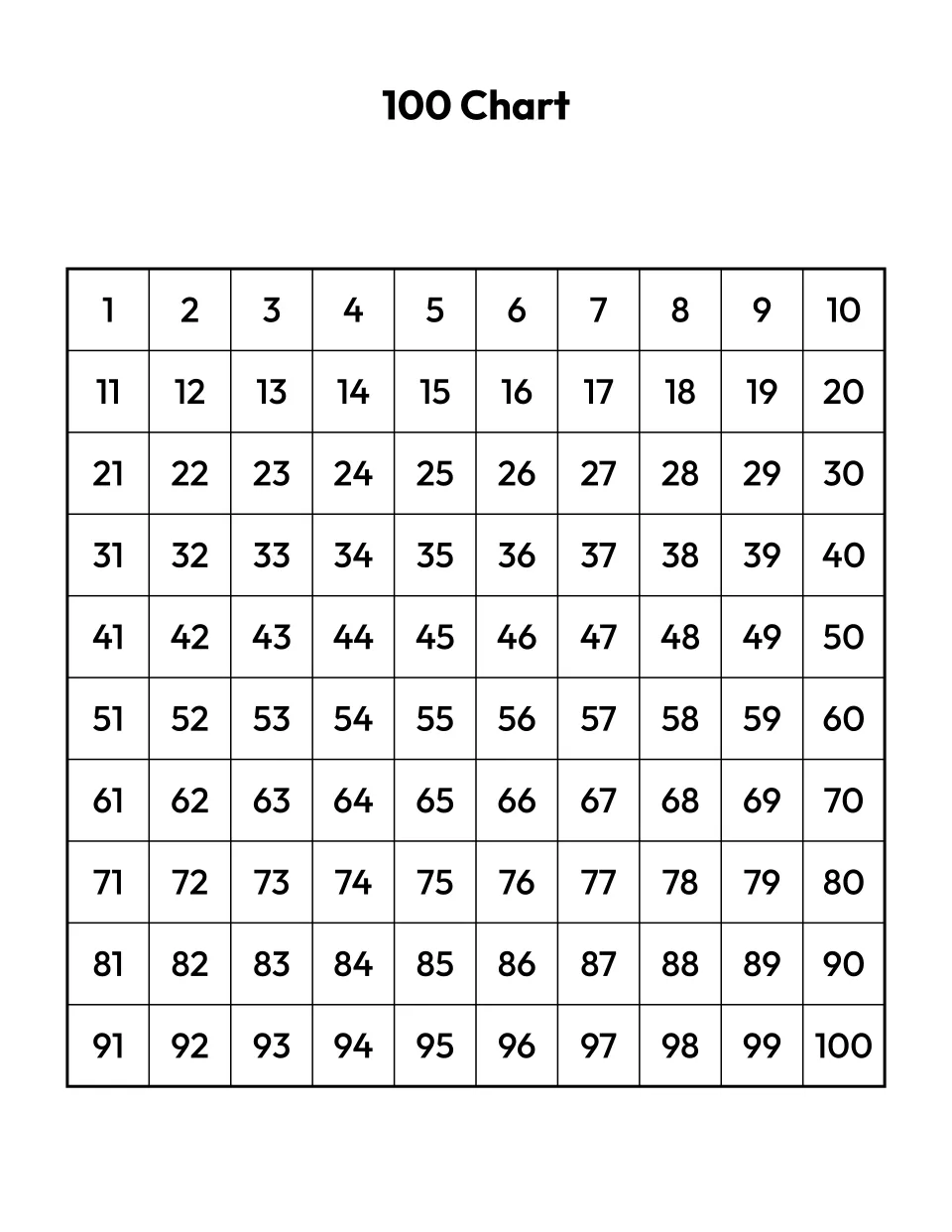
1-100
Customize the 100 chart 1-100, filled in -
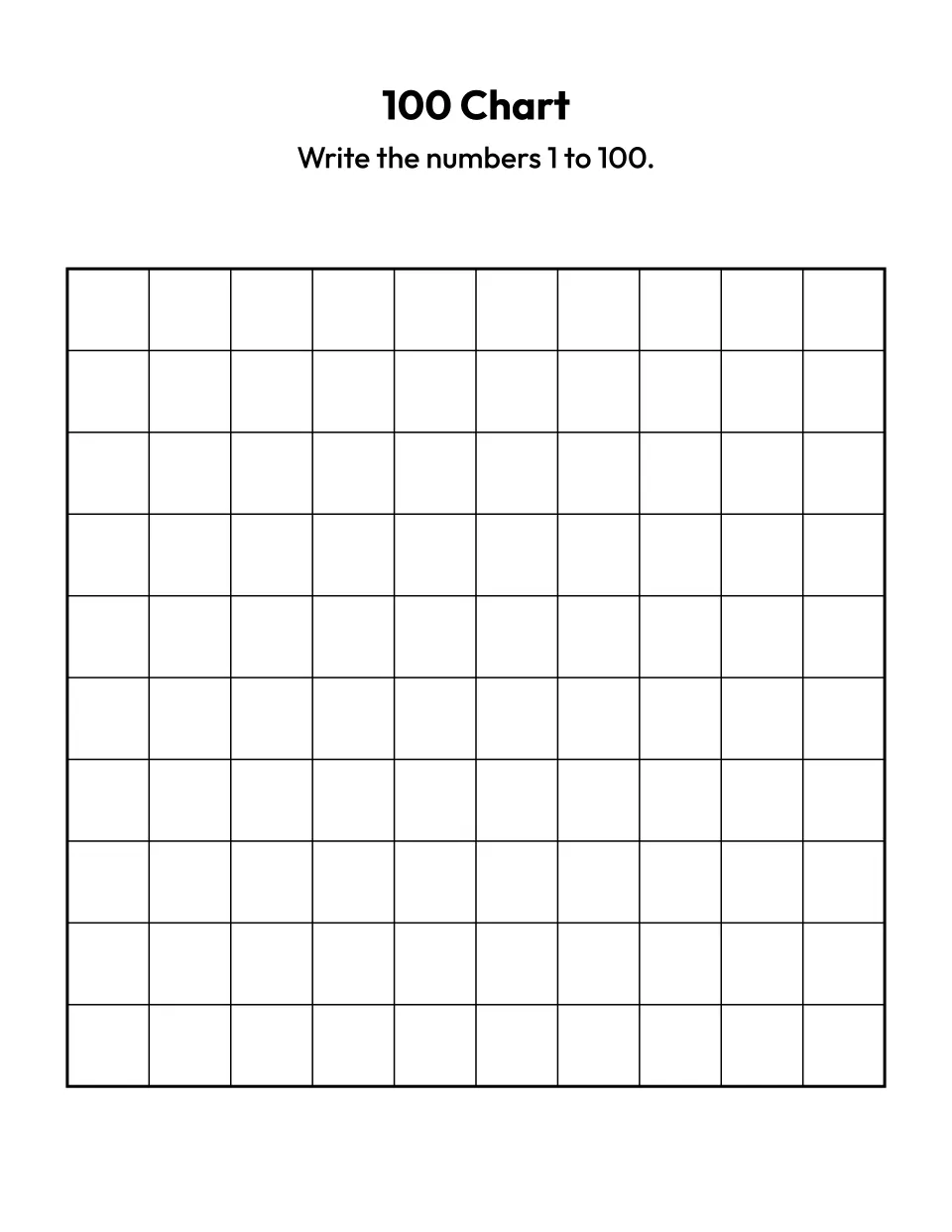
Blank
Customize the blank 100 chart -
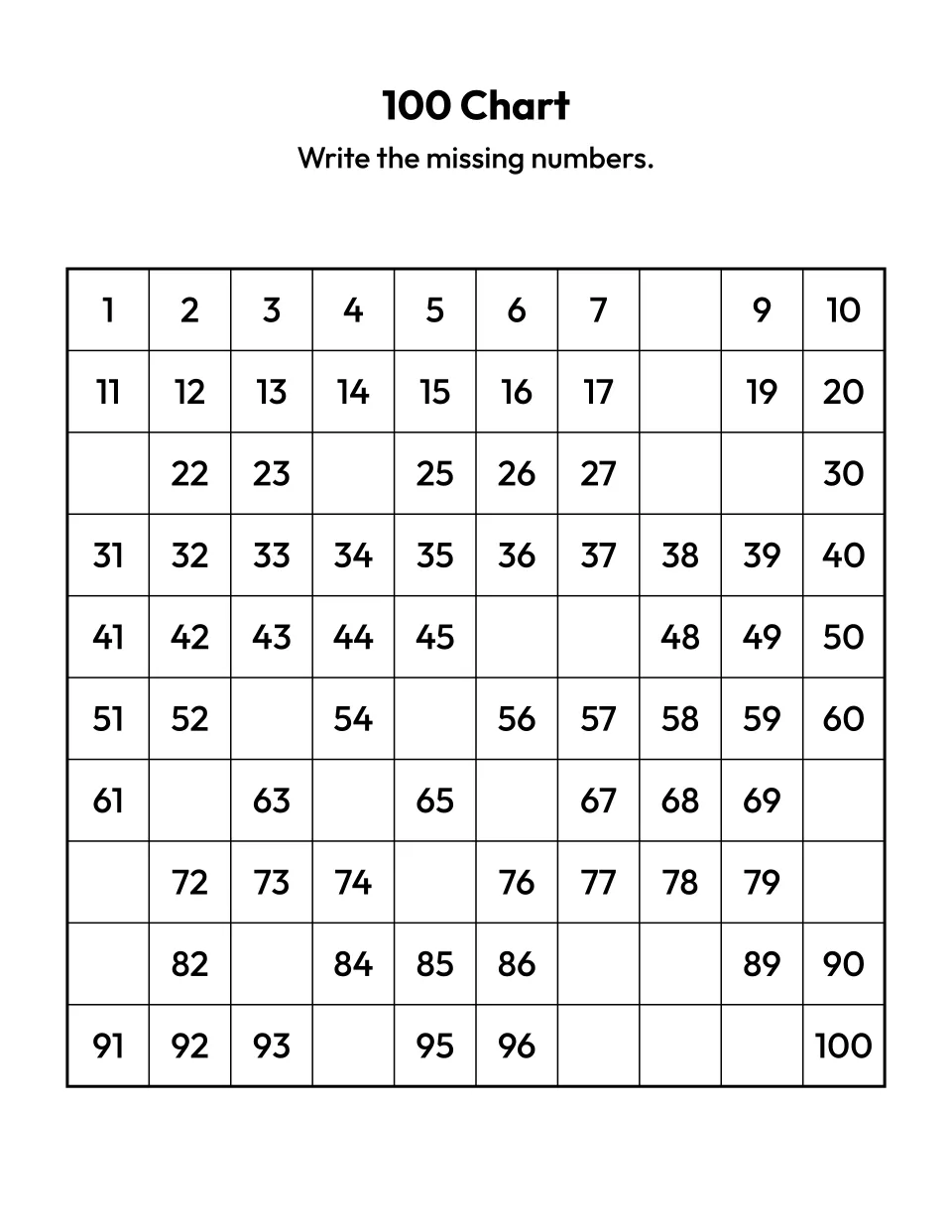
Missing numbers
Customize the hundreds chart with missing numbers and answer key -
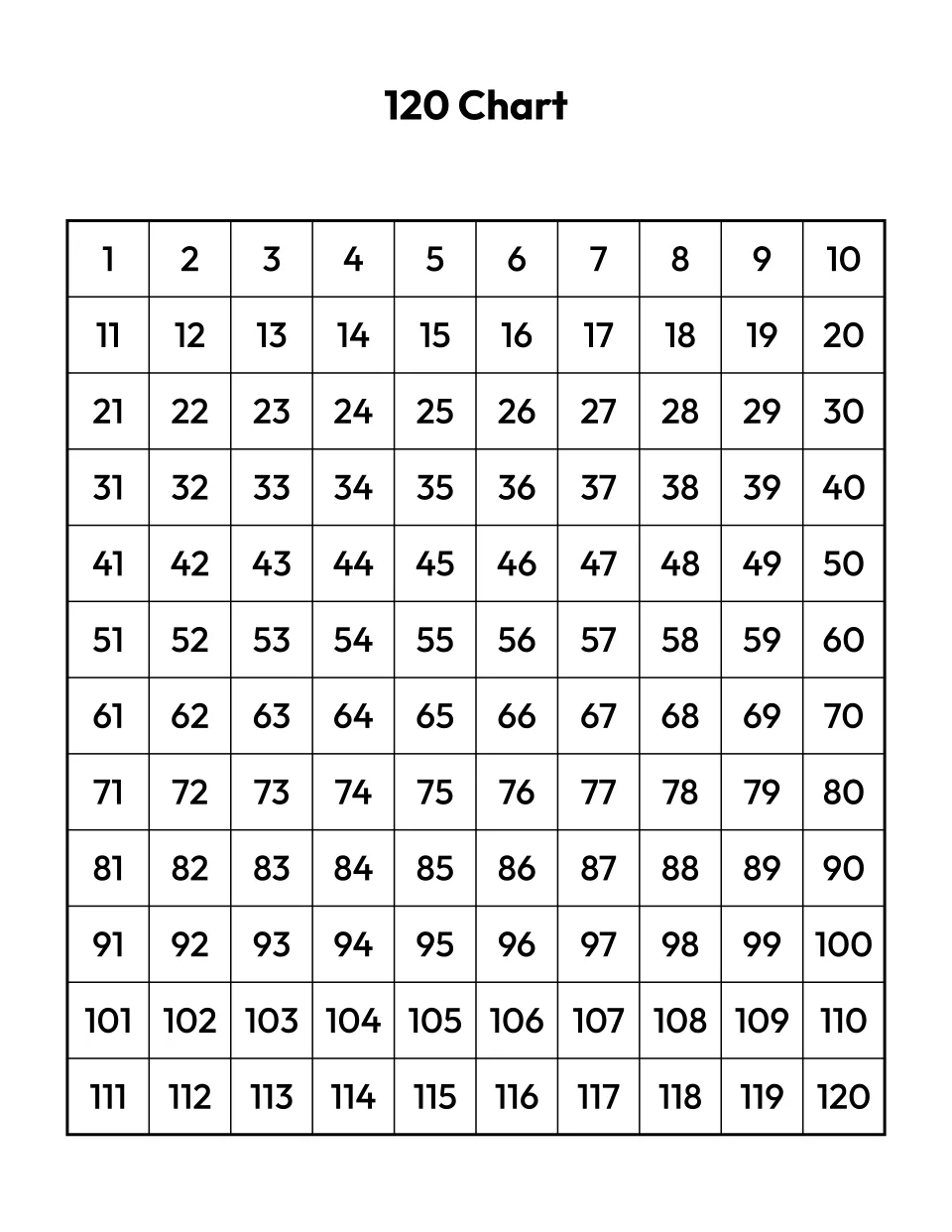
1-120
Customize the 120 chart 1-120, filled in -
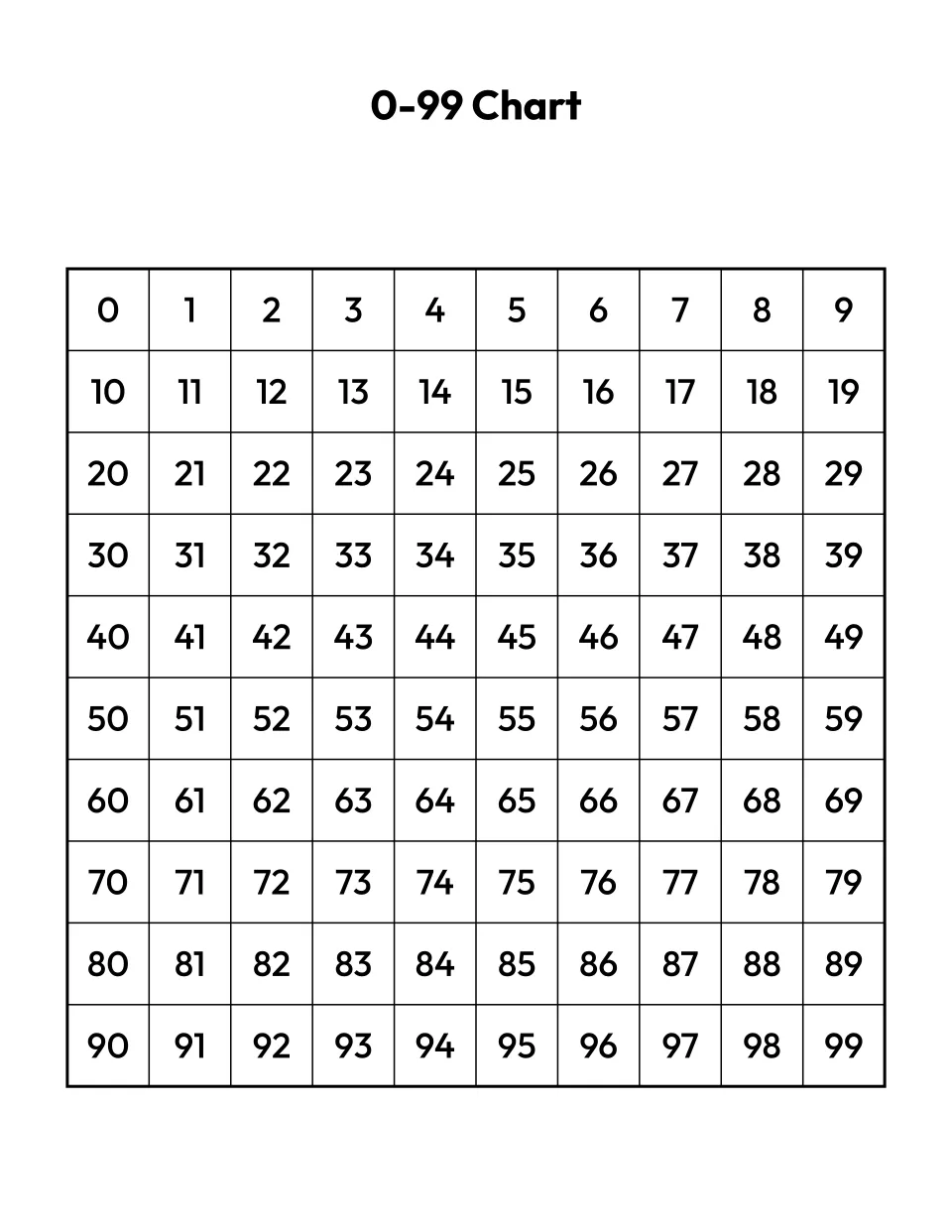
0-99
Customize the 0-99 chart, filled in -
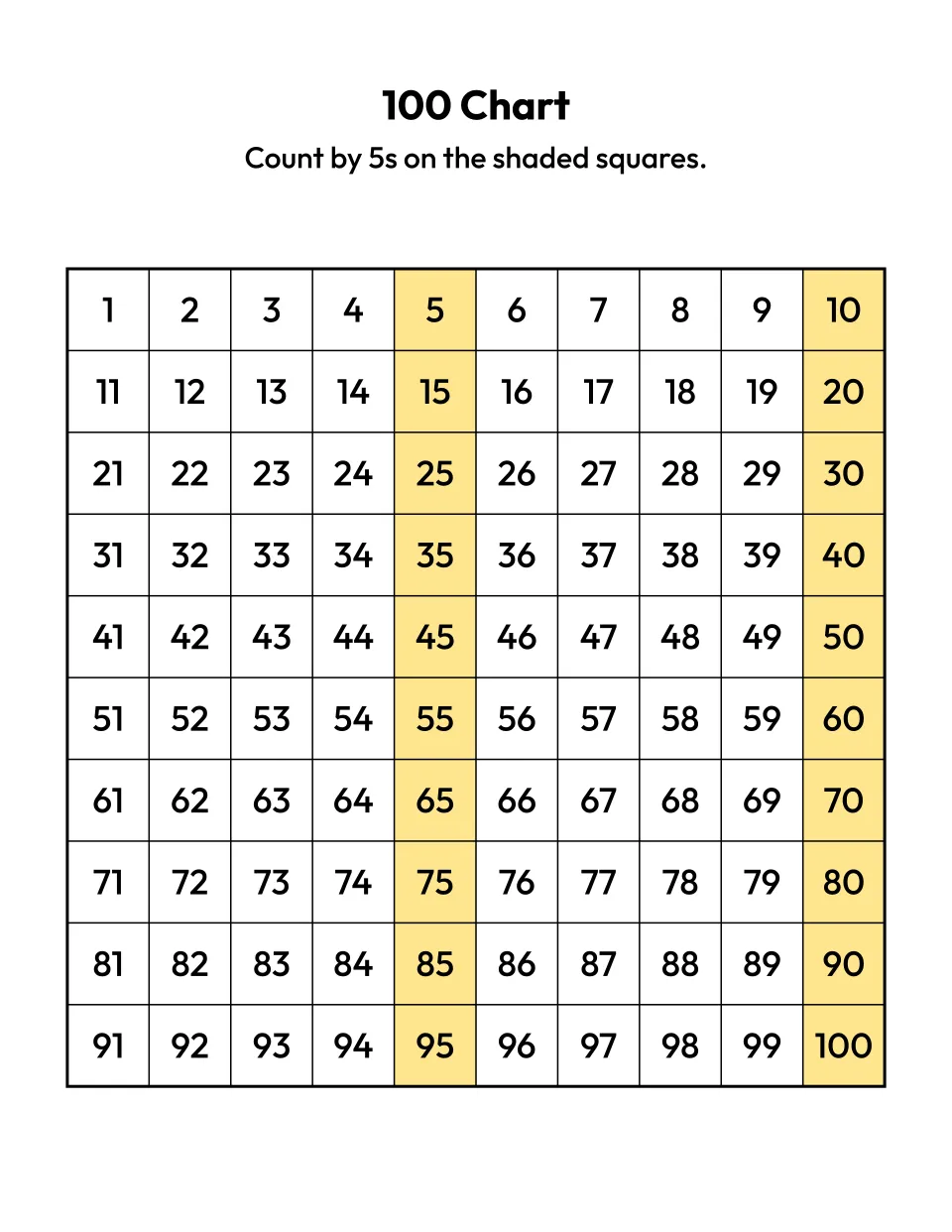
Count by 5s
Customize the hundreds chart with counting by 5s shaded
What is a 100 chart?
A 100 chart, or hundreds chart, is a grid of the numbers 1 to 100 in ten rows of ten. Each row starts one ten higher, so every number in a column ends in the same digit. Kindergarten children use it to count to 100 by ones and by tens, as the Common Core standard K.CC.A.1 sets out.
Customize your own
How to make your own 100 chart
Under Customize your own, pick the numbers: 1 to 100, 0 to 99 or 1 to 120. Choose what the cells show, or click squares on the chart to hide those numbers. Pick a number to count by if you want shading, then press Print or PDF. Sheets with some numbers missing put the answer key on page 2.
Choosing a chart by grade
Start with a filled chart to read and point at, then take numbers away as counting gets surer.
| Grade | Chart | Then try |
|---|---|---|
| Kindergarten (K.CC.A.1) | 1 to 100, all numbers | Count by 10s shaded, then 10 missing numbers |
| First grade (1.NBT.A.1) | 1 to 120 | 25 missing numbers, then a blank chart |
| Second grade (2.NBT.A.2) | 1 to 120 | Write in the 5s, then the 10s |
A number under Count by shades the squares you land on pale yellow. On a black and white printer, choose Circled and each one is circled instead.
0 to 99 or 1 to 100?
A 1 to 100 chart matches how children count aloud, so it suits kindergarten. A 0 to 99 chart keeps each ten in one row: 30 to 39 share a row, where a 1 to 100 chart puts 31 to 40 together. Teachers who use the chart for place value often prefer 0 to 99 for that reason. On a 0 to 99 chart, skip counting shades 0 too, so counting by 5s runs 0, 5, 10 and on to 95.
What you get
Your title sits at the top, with one line under it telling the child what to do, such as “Write the missing numbers.” Each square is about 15 mm wide, just over half an inch, with room for a young child’s handwriting. The printed numbers are nearly 5 mm tall.
When numbers are missing, the answer key on page 2 is the full chart with the written-in numbers in bold. For a class, Add a version makes up to six charts, lettered A to F, each with settings of its own. Every sheet prints on US Letter or A4.
Tips for using a hundreds chart
- Go down a row for 10 more. The square under any number is 10 more and the square above is 10 less, the mental math first graders learn in 1.NBT.C.5.
- Start in the middle. Point to any number and count on from there, as kindergarten standard K.CC.A.2 asks, instead of starting at 1 every time.
- Pick the tricky numbers. Click the squares a child keeps getting wrong, such as the teens or the number after each ten, and those become the ones to write in.
- Make a fresh sheet each morning. Shuffle numbers picks different missing numbers. Use one as a quick warm up in the days before the 100th day of school.
More math printables
Teaching first grade? The 120 chart page opens with 1 to 120 ready. Once skip counting turns into times tables, the printable multiplication chart page prints charts up to 20 times 20 with the tables a child is learning left blank. When a child reads numbers past 100, a place value chart shows what each digit is worth, from tens and ones up to millions. For writing numbers, browse our printable tracing sheets, and for number puzzles try sudoku for kids. The word search generator and more are on our free printable makers page.
Questions about the 100 chart
Is this 100 chart free to print?
Yes. Every chart on this page is free, with no sign up and no limit on how many you print, including the blank 100 chart. Each chart is drawn in your browser, so nothing you type is uploaded or stored. The charts are free for personal and classroom use, so print a copy for every child in the class or homeschool group.
Does the hundreds chart come with an answer key?
Yes, whenever some numbers are missing. The Missing numbers chart above, and any chart you make with Some missing, Count-by numbers missing or numbers you click, puts the answer key on page 2 of the PDF, and Print prints both pages. The key is the whole chart with the written-in numbers in bold. A filled or blank chart has no key, and PNG saves page 1 only.
Can I click numbers on the chart, like an interactive hundreds chart?
Yes, to hide them. Under Customize your own, click or tap a square on the chart to hide its number, and click it again to bring the number back. Drag the mouse across a row to hide several at once. The chart redraws as you go, ready to print or save as a PDF with its answer key. It does not color squares in several colors, as an on-screen hundreds chart for a whiteboard does.
Why does the chart stop at 120?
Counting to 120 is where first grade ends: the Common Core standard 1.NBT.A.1 asks children to count to 120. Twelve rows of ten is also the most that fits one page with numbers nearly 5 mm tall and squares wide enough to write in. A 200 or 1,000 chart would need smaller squares or a second page, so this page leaves them out.
Can I print a blank hundreds chart?
Yes. Press PDF or Print under Blank in the ready-made charts above for an empty grid of 100 squares, ready for a child to write 1 to 100 in order. Use it for handwriting practice, or have children fill in only the numbers they can count to and add more each week. To shade the count-by squares as a guide, pick a number under Count by in Customize your own.
Can I save or share a chart?
Yes. Once you change a setting under Customize your own, the page address holds every version with its title, numbers, cells, counting and the numbers you picked, so you can bookmark it or send the link to another parent or teacher. Opening the link draws the same charts, with the same numbers missing.
Can I print a 100 chart from a phone, or on A4 paper?
Yes. Tap PDF under any chart to save it to your phone or tablet, or Print to send it to a wireless printer. If your printer takes A4, choose A4 under Paper in Customize your own, and both the ready-made charts and your own print on A4 instead of US Letter. On a small screen, tap a square on your chart to hide its number.