
Free Printable Sticker Chart for Kids
Print a free sticker chart for kids below: one goal with its picture at the top, 10 to 30 spaces to fill, and a reward box at the bottom. Or customize your own with your child’s name, up to 3 goals and 5 to 30 spaces in the shape you like, then print it or save a PDF on Letter or A4.
Ready-made sticker charts
-
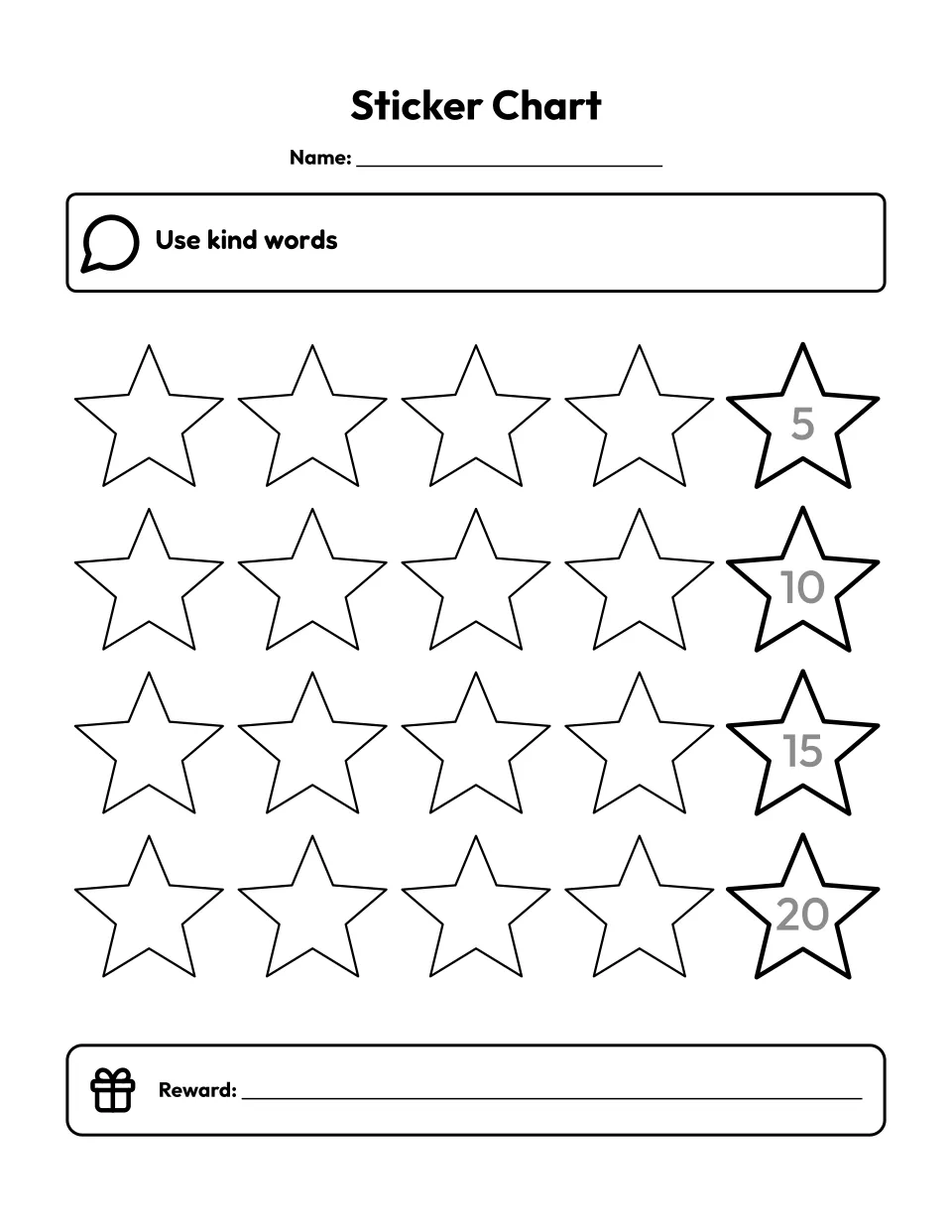
20 spaces
Customize the printable sticker chart for kids with 20 spaces -
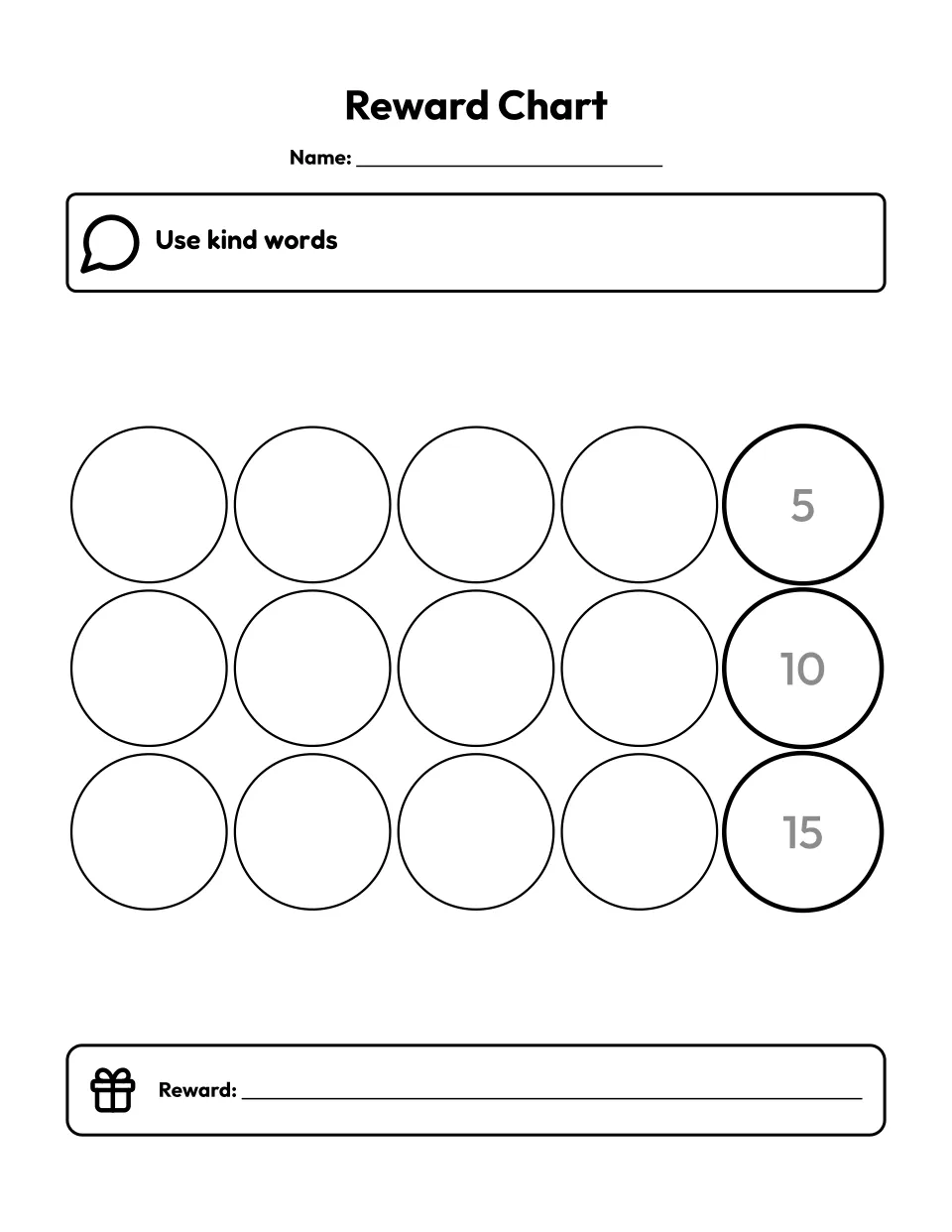
Reward chart
Customize the printable reward chart with 15 sticker spaces -
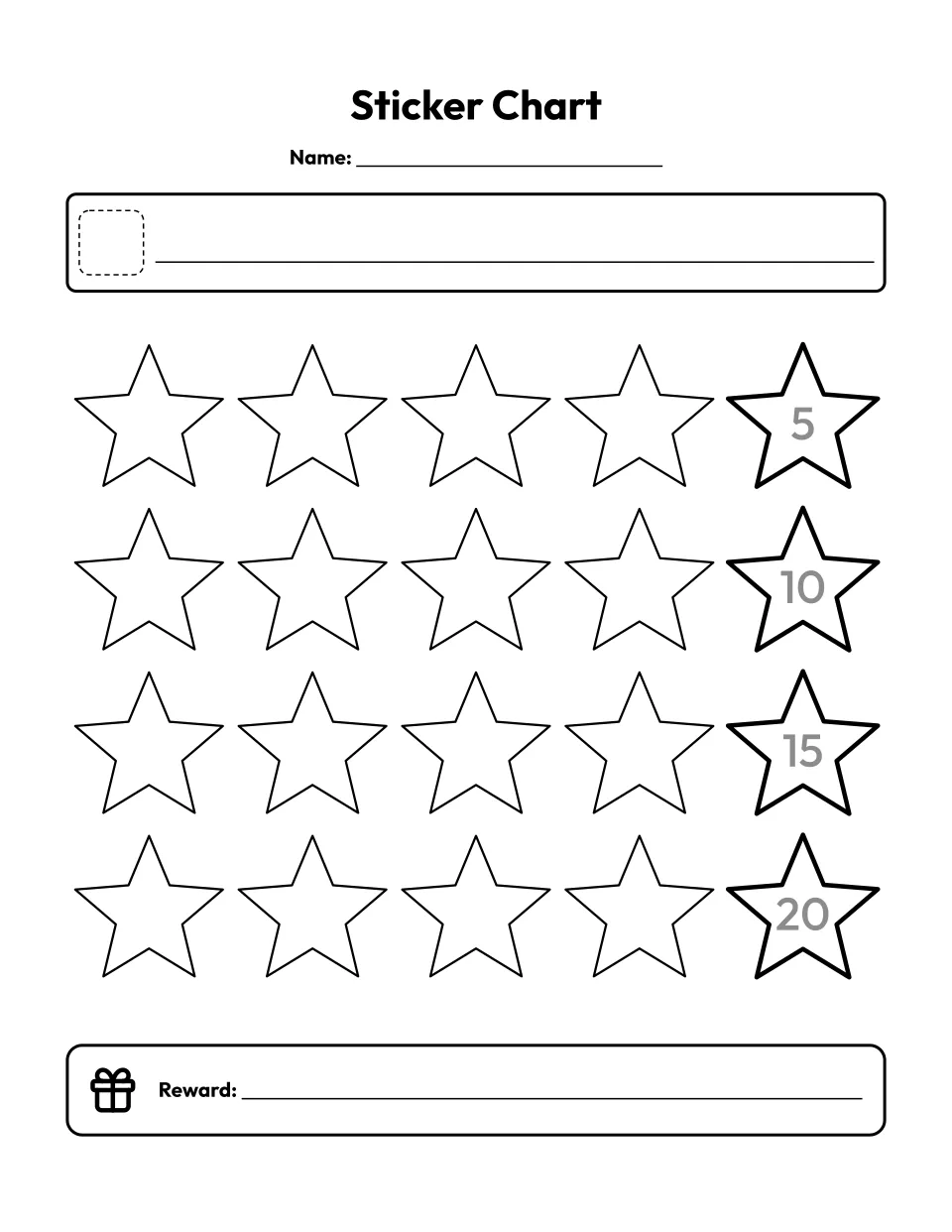
Blank template
Customize the blank sticker chart template -
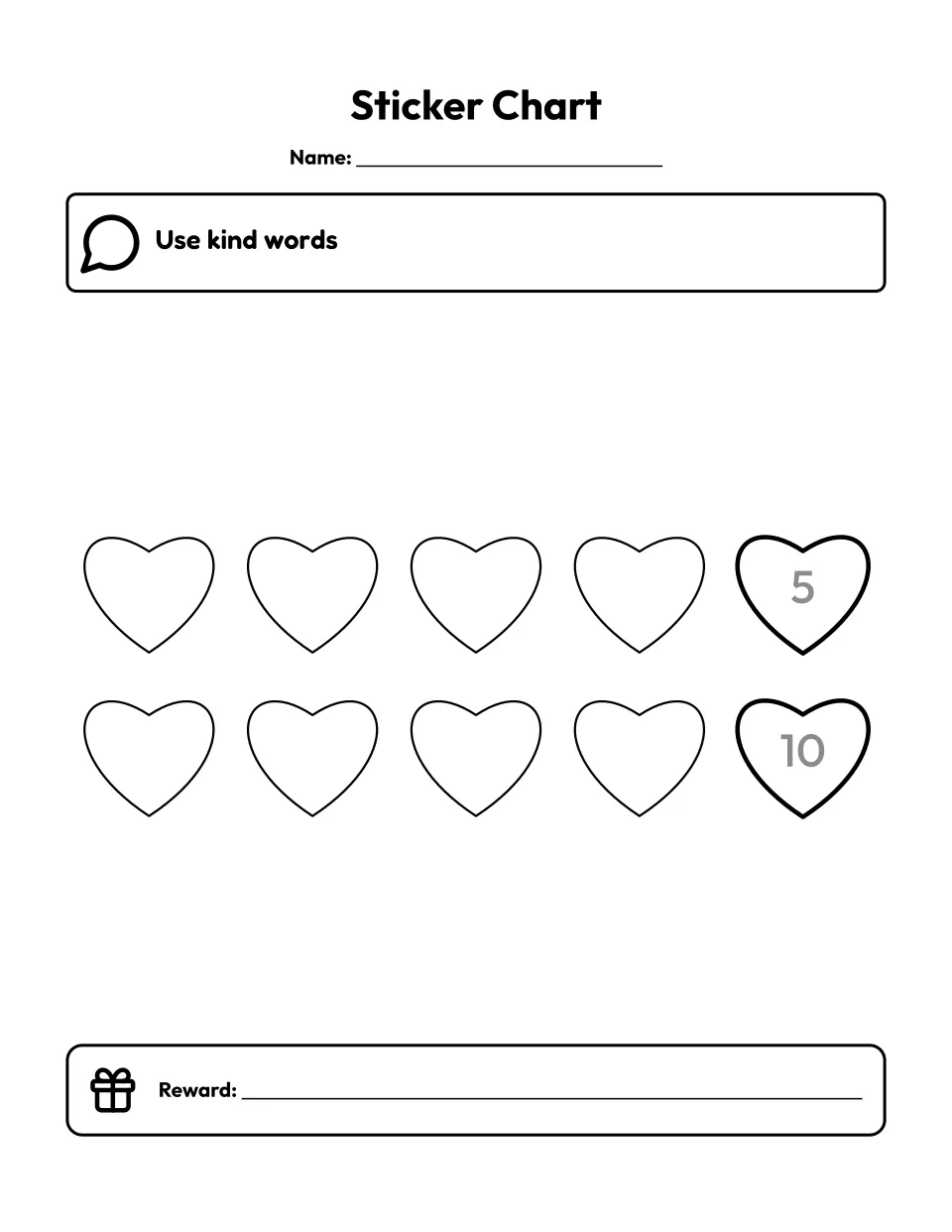
10 hearts
Customize the sticker chart with 10 heart spaces -
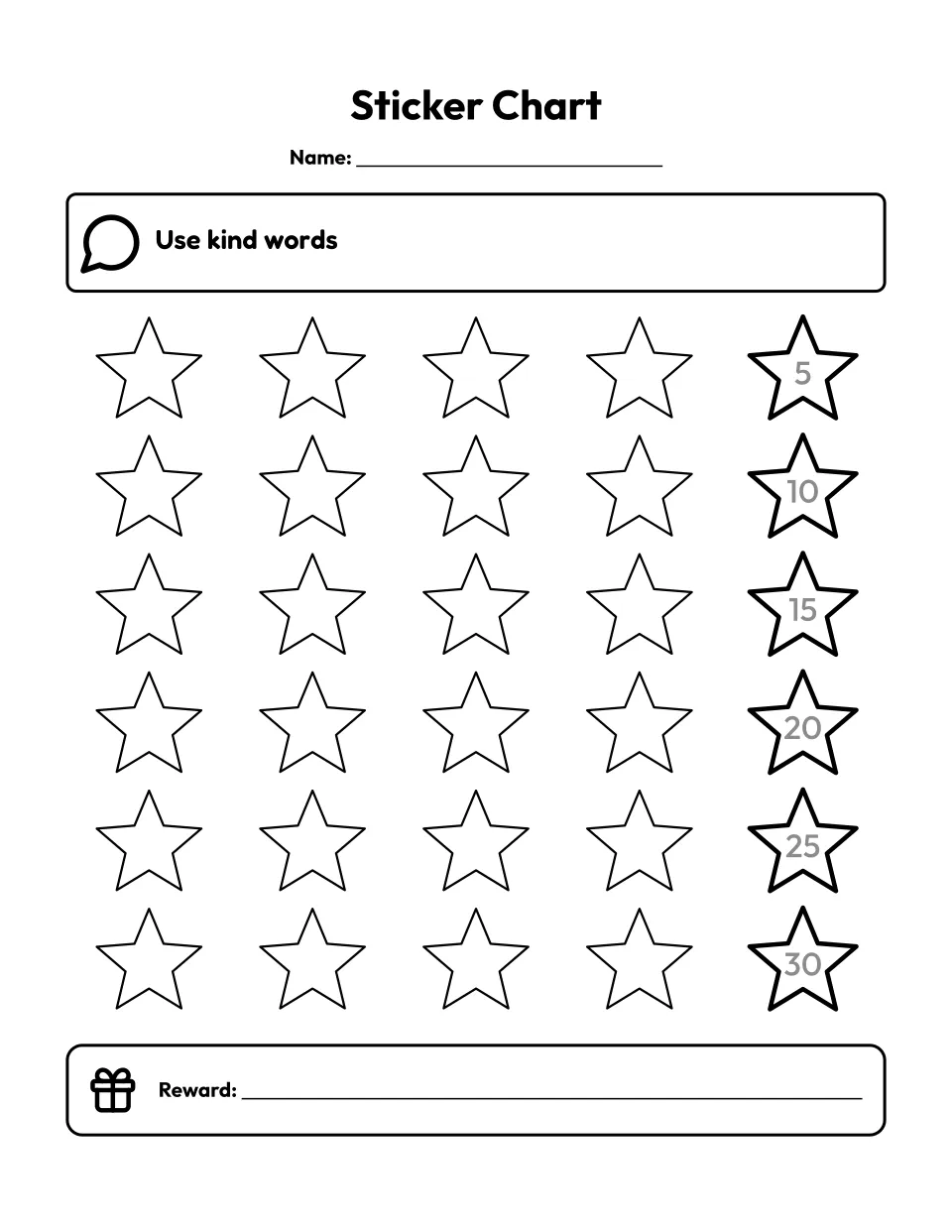
30 spaces
Customize the sticker chart with 30 spaces
How do you use a sticker chart?
A sticker chart is a run of spaces toward a reward. Agree on one goal and its reward, and your child adds a sticker right away each time the goal is met. In rows of 5, 20 spaces or fewer fit 1 inch round stickers. Never peel one off: the CDC says earned rewards are theirs.
Customize your own
How to make your own sticker chart
Under Customize your own, type your child’s name or leave a Name line, then change the goal and tap its picture to pick another. Choose how many spaces, whether 5 or 10 sit in a row, and their shape. Type a reward or tap one of the ideas, then press Print or PDF.
How many spaces, and which stickers fit?
The CDC suggests rewarding often when you first start, so give a toddler or preschooler 10 spaces, and move up to 20 or 30 once they have filled a chart. How big each space prints depends on the count and the row:
| Spaces | In a row | Inside each circle or square | Round stickers that fit |
|---|---|---|---|
| 5 to 20 | 5 | At least 1.06 in on A4, 1.10 in on Letter | 1 inch |
| 25 | 5 | About 0.84 to 1.01 in | 3/4 inch |
| 30 | 5 | About 0.68 to 0.83 in | 1/2 inch |
| 10 to 30 | 10 | About 0.53 in | 1/2 inch |
We measured the spaces in the PDF. The smallest sizes come with 3 goals at the top. With one goal, 20 spaces measure 1.14 in on A4 and 1.17 in on Letter. Circles and squares hold a whole round sticker. A star or heart is drawn at the same width, so a sticker covers most of it, or your child can color it in.
Sticker chart or reward chart?
Both count marks toward a reward you agreed on. A sticker chart follows one goal across a run of spaces, so it suits a single habit. The CDC says rewards work well for behaviors like staying in bed after being tucked in. A reward chart often tracks several goals across the days of a week, which is what the behavior chart does. The Reward chart card above prints 15 circles under the title Reward Chart.
What you get
One page on US Letter or A4 with your title and your child’s name or a Name line. Up to 3 goals sit in a frame across the top, each with a black line picture. Below them run 5 to 30 spaces in rows of 5 or 10, each a star, circle, heart or square. Every fifth space has a heavier outline and its count printed in gray inside, so your child passes 5, 10 and 15 on the way to the reward. At the bottom, a reward box with a gift picture holds the reward you typed, or a line to write it on. Print it, or save it as a PDF or PNG.
Tips for a sticker chart
- Keep stickers by the chart. Put the sticker sheet beside the chart so your child can add one the moment the goal is met.
- Let your child press it on. Hand them the sheet to pick a sticker and press it into the next space themselves.
- Count together. Stop at each gray number and count the spaces left to the reward box.
- Make the next one longer. Give the reward the day the last space fills, then print a chart with more spaces or a new goal.
More printables
For several goals across a week, use the behavior chart, and for jobs around the house, the chore chart. Rewards that cost nothing fill the reward box well: a new coloring page, a maze to solve together or a dot-to-dot before bed. For a month of good deeds, see our printable trackers, and more are on our free printable makers page.
Questions about the sticker chart
Is this sticker chart free?
Yes. The five ready-made sticker charts and any you make here cost nothing to print, and there is no account or email address to give. Each chart is drawn in your browser. When one fills, print the next, or a fresh chart for each child in a class or a homeschool group.
What size stickers fit this sticker chart?
Round 1 inch stickers fit every circle or square space on a chart of 20 spaces or fewer in rows of 5. Each one measures at least 1.06 inches across inside on A4 and 1.10 inches on Letter. For 25 spaces use 3/4 inch stickers, and for 30 spaces or rows of 10, half inch stickers. Choose the paper your printer uses under Paper so the spaces print at full size.
How many spaces should a sticker chart have for a toddler?
Start with 10. The CDC suggests rewarding a child often when you first start, and a short chart reaches the reward while the goal is still fresh. The 10 spaces card prints hearts, and you can pick stars, circles or squares instead. Once your child fills a chart, move up to 15 or 20, and save 25 or 30 for an older child who can wait longer.
What can kids earn with a sticker chart?
Something your child wants that costs little or nothing. The CDC notes that rewards don’t have to cost money, and lists hugs, praise and special time such as reading a story or helping with dinner. Tap an idea under Reward to print it in the box, such as a new coloring page, a maze together or a trip to the park. Let your child help choose: the CDC points out that what you like may not be what they want to earn.
What do I do when the sticker chart is full?
Give the reward the same day the last space fills. Then print the next chart: the same goal with more spaces, or a new goal once the first one has become a habit. The CDC suggests changing the behavior or phasing out the program as your child grows and does the right thing more often. A bookmark of your chart’s page brings the same settings back for the next one.
Can I make a sticker chart for each of my children?
Yes. A sticker chart has one name, so type the first child’s name, then press Add a version for each of the others. Each version keeps its own name and goals, and a set holds up to 6 versions. Print or PDF gives every chart together, or only the one on show, so brothers and sisters can each work toward a goal of their own.
Can I save my sticker chart, or print it on A4 or from a phone?
Yes. After your first change, the page address carries your settings, your child’s name and goal included, so bookmark it to print the same chart when this one fills. Anyone you share the link with can read the name. On a phone or tablet, save the PDF or print to a wireless printer, and pick A4 under Paper if your printer uses it.