Free Printable Bubble Letters A-Z
Print free bubble letters from the sheets below: A to Z with a big letter per page, the whole alphabet on one page, lowercase letters and numbers 0 to 9. Or customize your own with a word or a name, then print it or save a PDF.
Bubble letters to print
-
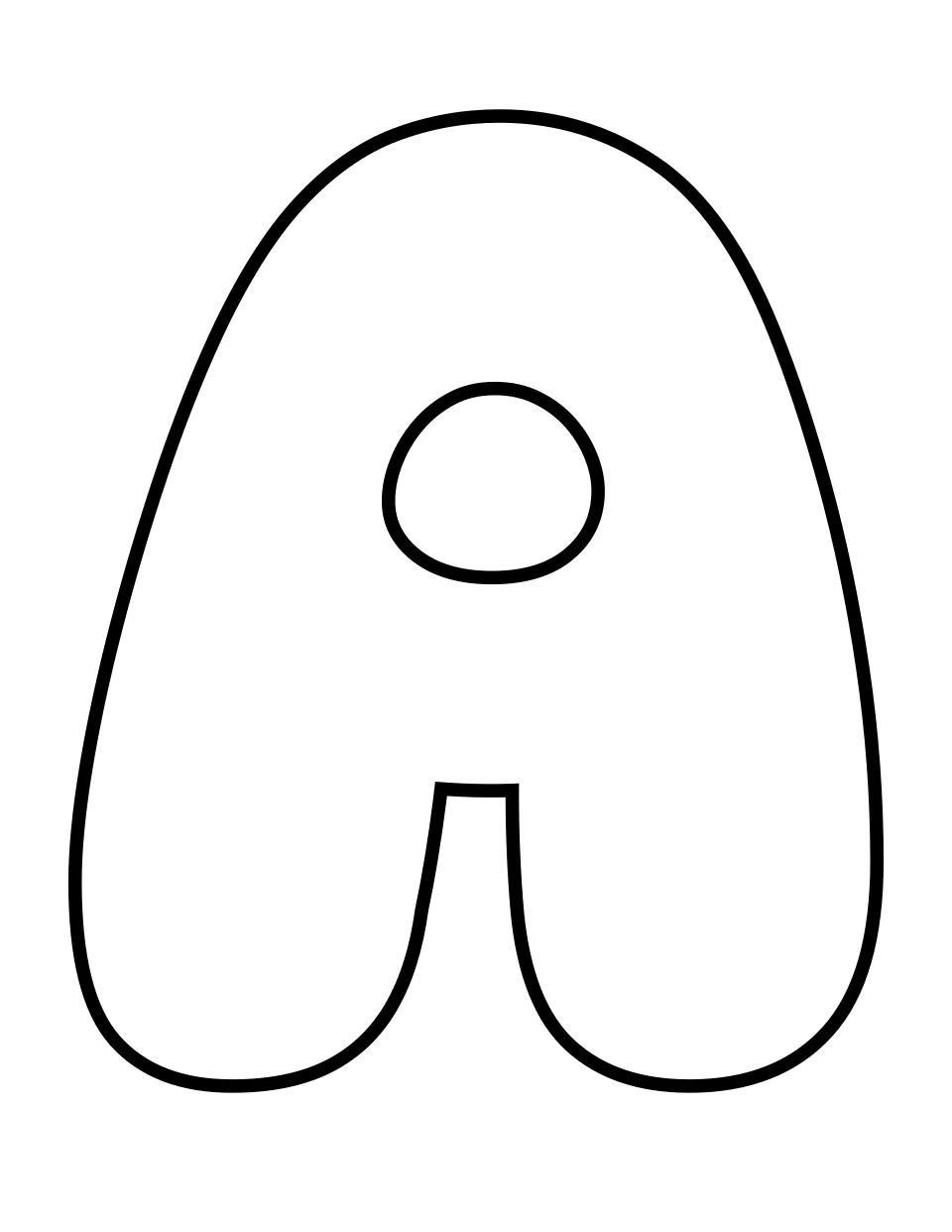
A to Z, a page each
Customize the printable bubble letters A to Z, a letter per page -
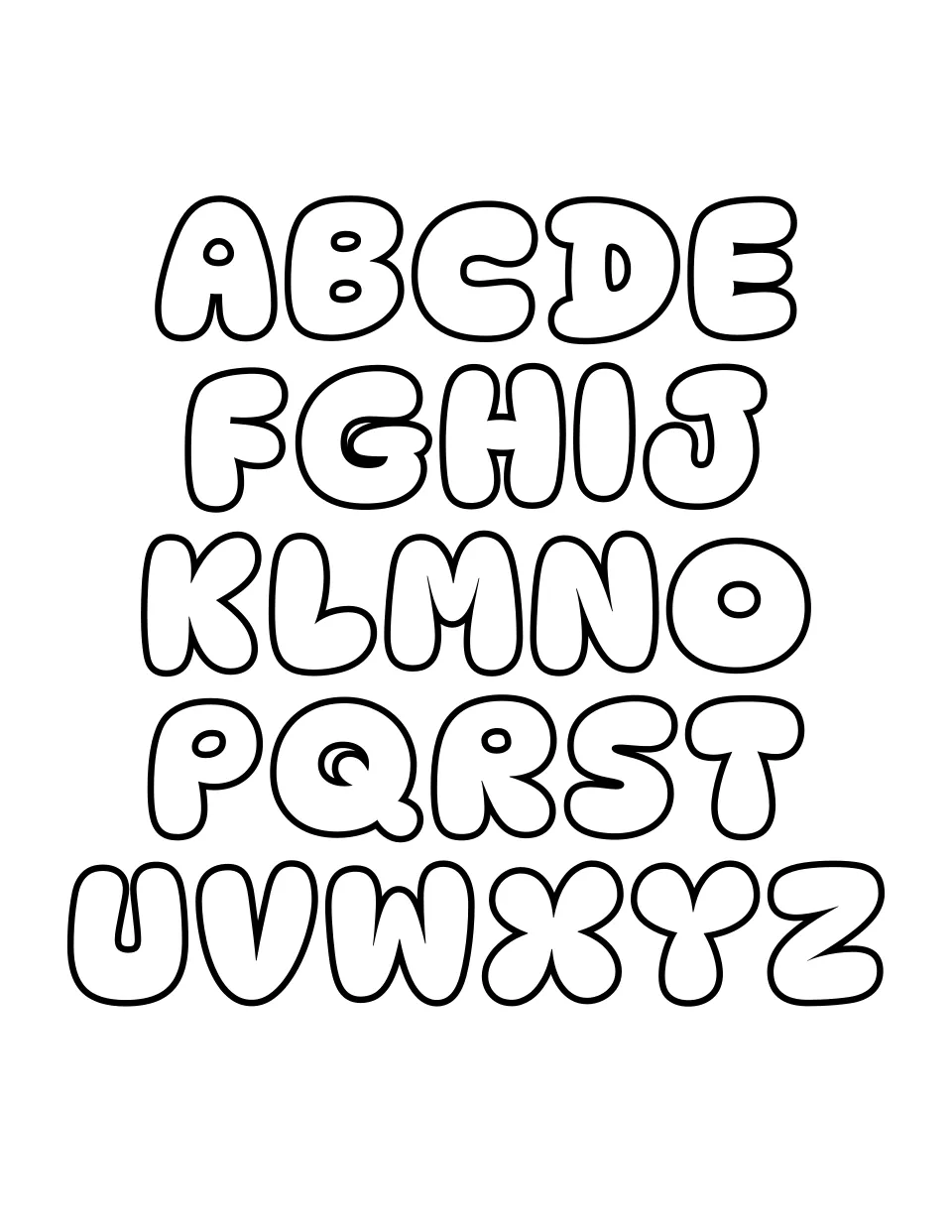
Alphabet A-Z
Customize the bubble letters alphabet A-Z on one page -
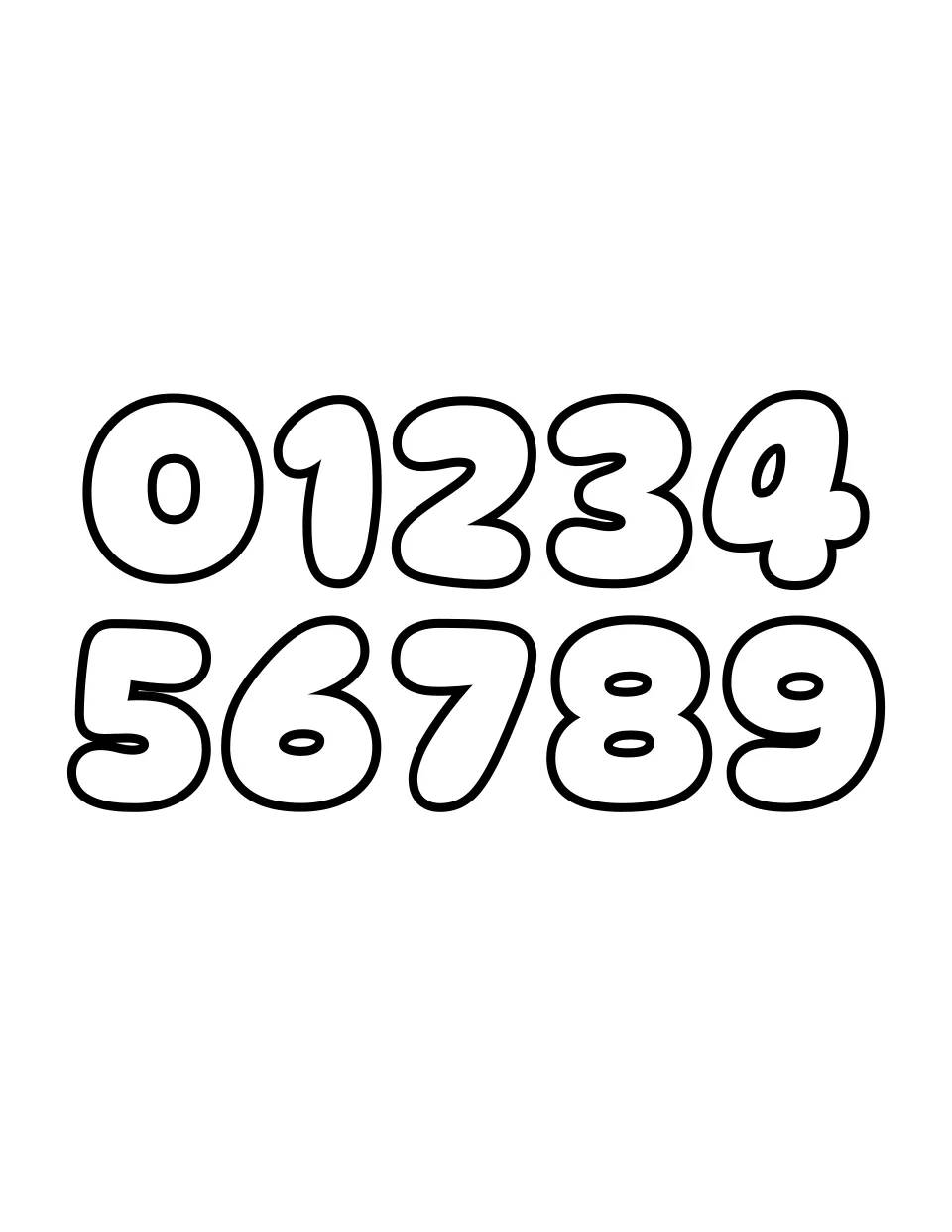
Numbers 0-9
Customize the bubble numbers 0-9 on one page -
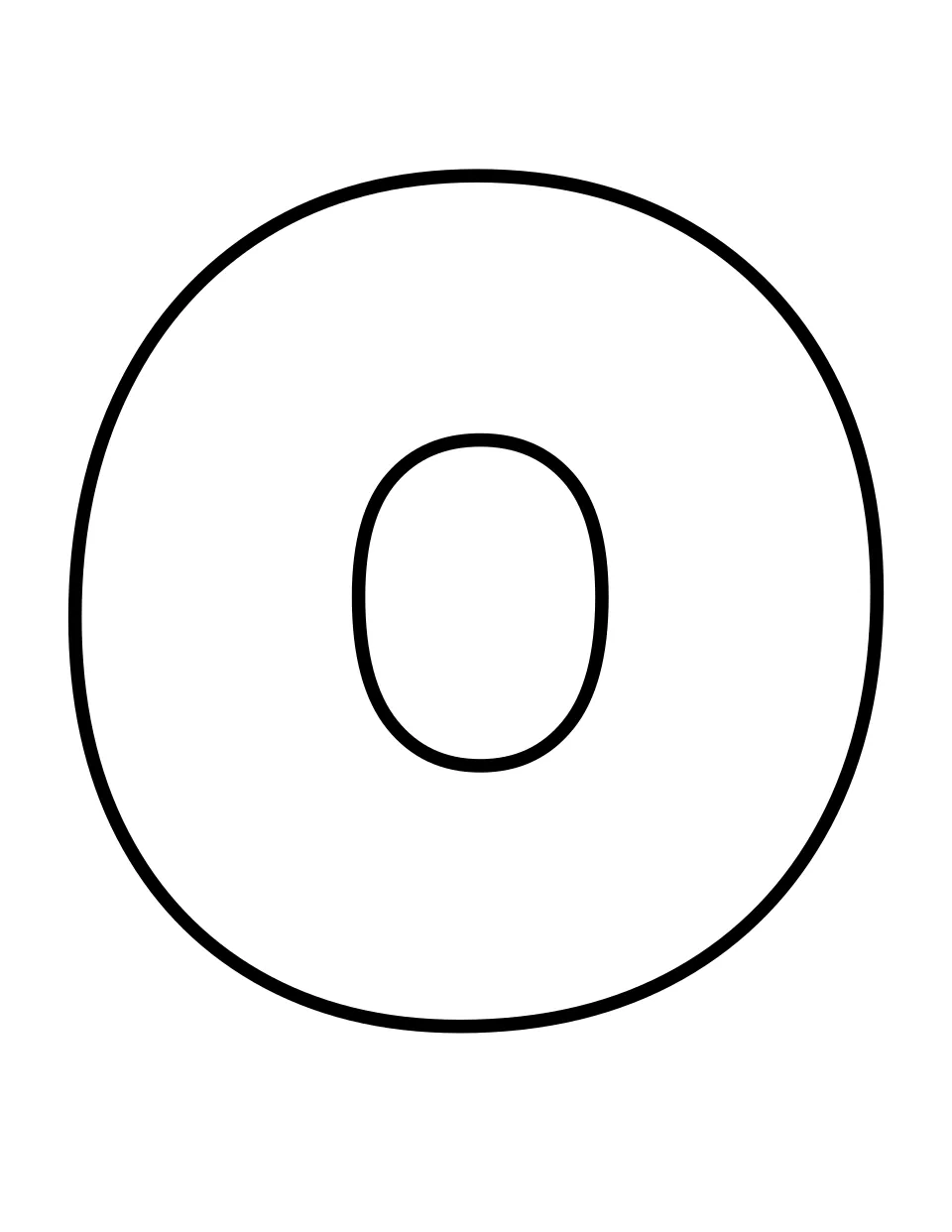
Numbers, a page each
Customize the printable bubble numbers 0-9, a number per page -
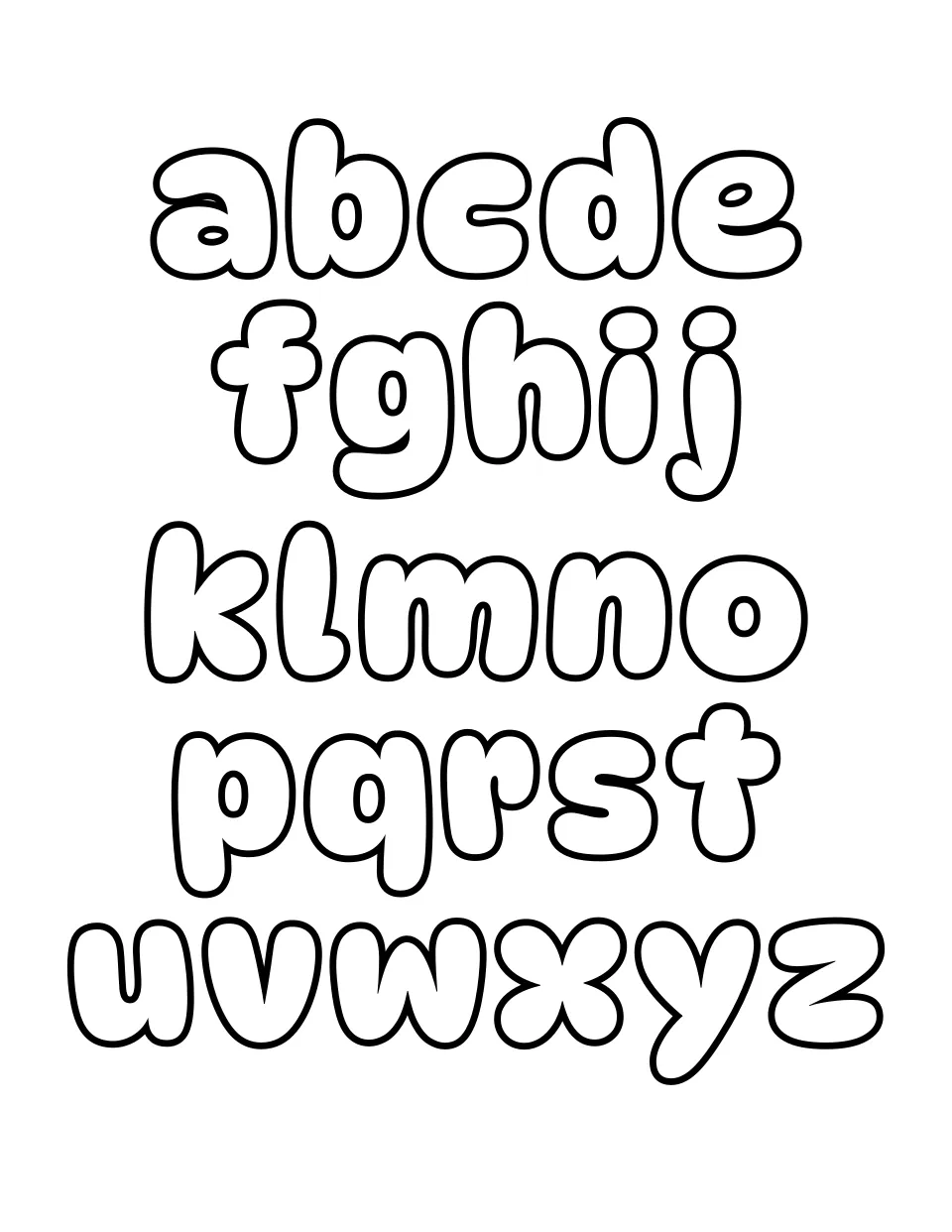
Lowercase a-z
Customize the lowercase bubble letters a-z on one page
Want to draw them by hand instead? Follow the four steps for how to draw bubble letters.
How to make your own bubble letters
Type your letters in the box, a line at a time, then choose Fit on one page, A line per page or A letter per page. Pick a style, the outline, the spacing and white or colored insides, and turn the page to landscape for one long word. The preview redraws as you go. Press Print or PDF for every page.
Choosing the settings
Fit on one page sets your lines as big as the page allows and wraps a long line between words. A line per page gives each line a sheet of its own, such as a name for every child in a class. A letter per page makes each letter as tall as the paper, for a bulletin board or a word to cut out and hang. Fewer letters on a line make them bigger. How tall Puffy letters print from the PDF on US Letter, outline included:
| Sheet | Letter height |
|---|---|
| A capital letter per page | 5.9 to 8.2 in (15 to 21 cm) |
| A 5 letter name, landscape | 1.9 in (4.9 cm) |
| A 5 letter name, portrait | 1.5 in (3.7 cm) |
| Numbers 0-9 on one page | 1.5 in (3.7 cm) |
| The alphabet A-Z on one page | 1.1 in (2.8 cm) |
Print, which leaves out the PDF’s wider margin, makes them about a sixth taller, and A4 a little smaller. One page takes up to 6 lines and 40 letters, and a set with a line or a letter per page up to 40 pages. Puffy letters are round and soft, Chunky ones square and heavy, and Rounded ones the plainest, which suits children still learning the shapes of letters. Thin, Medium and Thick outlines grow with the letters, so a big letter keeps a bold line. Touching tucks each letter over the one before, the hand-drawn look for a poster title; Apart leaves room to cut each letter out.
Ideas for bubble letters
- Bulletin board titles: a letter per page, colored by the class and stapled up.
- Door and cubby signs: the class list with A line per page, a name on each sheet, or Reading Corner over the book shelf.
- Eid and Ramadan banners: Eid Mubarak a letter per page, hung on a string, beside our Ramadan activities.
- Letter of the week: the capital and the lowercase letter to color, as kindergartners learn to recognize and name all upper- and lowercase letters (RF.K.1.d).
- Project titles: Science Fair or My Garden, cut out and glued to a poster board.
How to draw bubble letters
To draw bubble letters by hand, draw a round outline around simple letters, then rub out the lines inside:
- Write the word lightly in pencil, in plain capital letters with wide gaps between them.
- Draw a round outline around each letter, about a finger’s width out, rounding every corner.
- Where two outlines cross, keep the line of the front letter and rub out the one behind it.
- Go over the outline in black marker, erase the pencil, then color the letters in.
A printed sheet from this page makes a good model to copy, or to trace over the first few times.
What you get
Each sheet holds the letters alone, with no title, so a page per letter lines up into a word on the wall. The insides are white to color, or a pastel per letter with Colors. Print and PDF take every page, up to 40, or the page on show, on US Letter or A4, and PNG saves the page on show as an image.
Tips for printing bubble letters
- Print on card stock for letters that hang on a wall or a string for weeks.
- Cut just outside the black line so each letter keeps its outline.
- Choose Thick for crayons: the wider line helps young children color inside the letter.
- Turn one long word to Landscape: it runs along the long side of the paper, about a third taller.
More printables
For practice writing the letters, try our letter tracing worksheets, and for more to color, our coloring pages. The bubble letter generator opens straight to the form, and the name tracing generator puts a child’s name in bubble letters on its activity page, beside rows to trace. A comic strip template has a title line waiting for bubble lettering. More are on our free printable makers page.
The letters are drawn in DynaPuff, Titan One and Fredoka, free fonts under the SIL Open Font License.
Questions about bubble letters
Are these bubble letters free to print?
Yes. Every sheet on this page is free, with no sign up and no email, and you can print as many as you like. The letters are drawn in your browser, ready in a moment. They are free for home and classroom use, so print a set for every table, or a new display for each new topic.
Is there a bubble letter font I can use?
The letters here are sheets to print, not a font to install. They are drawn in three free fonts under the SIL Open Font License: DynaPuff for Puffy, Titan One for Chunky and Fredoka for Rounded. You can download any of them from Google Fonts and type with it on your computer, but only this page draws the outline around each letter, ready to color.
How do I print bubble letters one letter per page?
Press PDF or Print on the A to Z card above, or choose A letter per page under Layout to spell your own word. Each letter then fills its own sheet from margin to margin, so the alphabet takes 26 sheets and WELCOME takes 7. Print and PDF take every page, or This page for the one on show.
Can I print bubble letters in color?
Yes. Choose Colors under Inside and each letter gets a soft pastel fill, turning through pink, yellow, green, blue, purple and orange, with the black outline kept. It suits a display you want on the wall today. Leave Inside on White to color when children will fill the letters in themselves, which also saves printer ink.
Can I make bubble letters on a phone or tablet?
Yes. The page works in any modern browser on a phone or tablet, with nothing to install. The ready-made sheets print from their own PDF and Print buttons, and on a small screen the settings sit under the preview. Download the PDF to print it later, or print straight to a wireless printer. Choose A4 under Paper if your printer uses A4.
Can I save or share my bubble letters?
Yes. Once you change anything, the page address holds your text and settings, so a bookmark brings the same sheets back and a link opens them for someone else. The address carries what you typed, so use a first name only in a link you share. Download the PDF to keep a copy that works without the page.