
Free Bubble Letter Generator
Type a word or a name and the bubble letter generator draws it in bubble letters to color, fitted to one page or a big letter per page. Print it straight from the page, or save a PDF or PNG.
How to use the bubble letter generator
Type your text, a line at a time, and choose Fit on one page, A line per page or A letter per page. Pick Puffy, Chunky or Rounded letters, the outline, the spacing, white or colored insides and the orientation. Each change redraws the preview. Press Print or PDF for every page, or PNG to save the page on show as an image.
Bubble letter styles

| Style | Letters | Best for |
|---|---|---|
| Puffy | Soft, round letters with wide curves | Names and cute poster titles |
| Chunky | Heavy letters with square shoulders | Display words read from across a room |
| Rounded | Plain letters with round ends | Young children learning letter shapes |
Choosing the settings
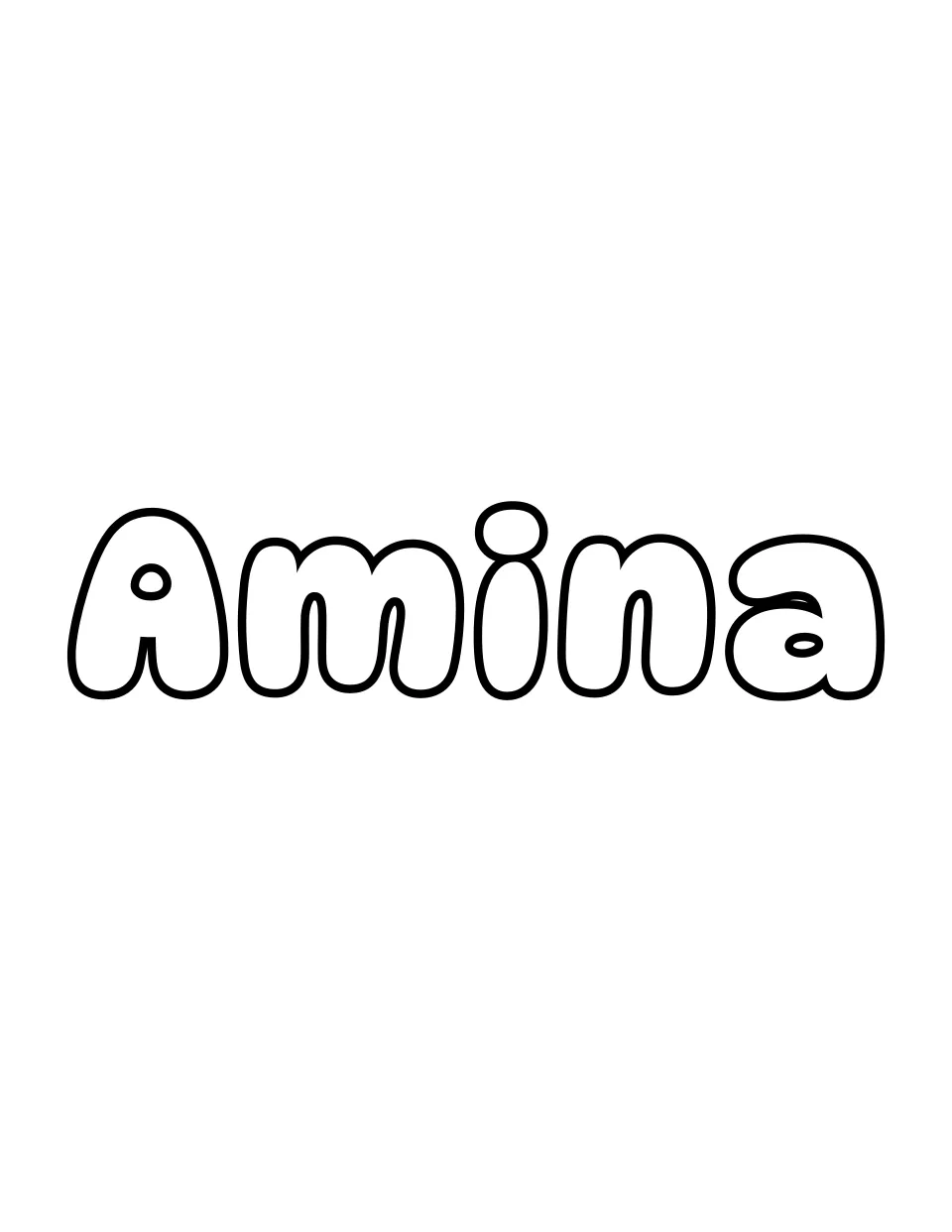
The generator sets your text as big as the page allows and wraps a long line between words. From the PDF, a 5 letter name such as Amina prints 1.5 inches tall in Puffy letters across a portrait page and 1.9 inches on landscape, outline included; Print makes it about a sixth taller. A line per page gives each line a sheet of its own, such as a name for every child in a class, and A letter per page makes each letter as big as the sheet. One page takes up to 6 lines and 40 letters, and a set up to 40 pages. Pick Thick for crayons and young children, Touching for a poster title, and Apart for letters to cut out.
What you get
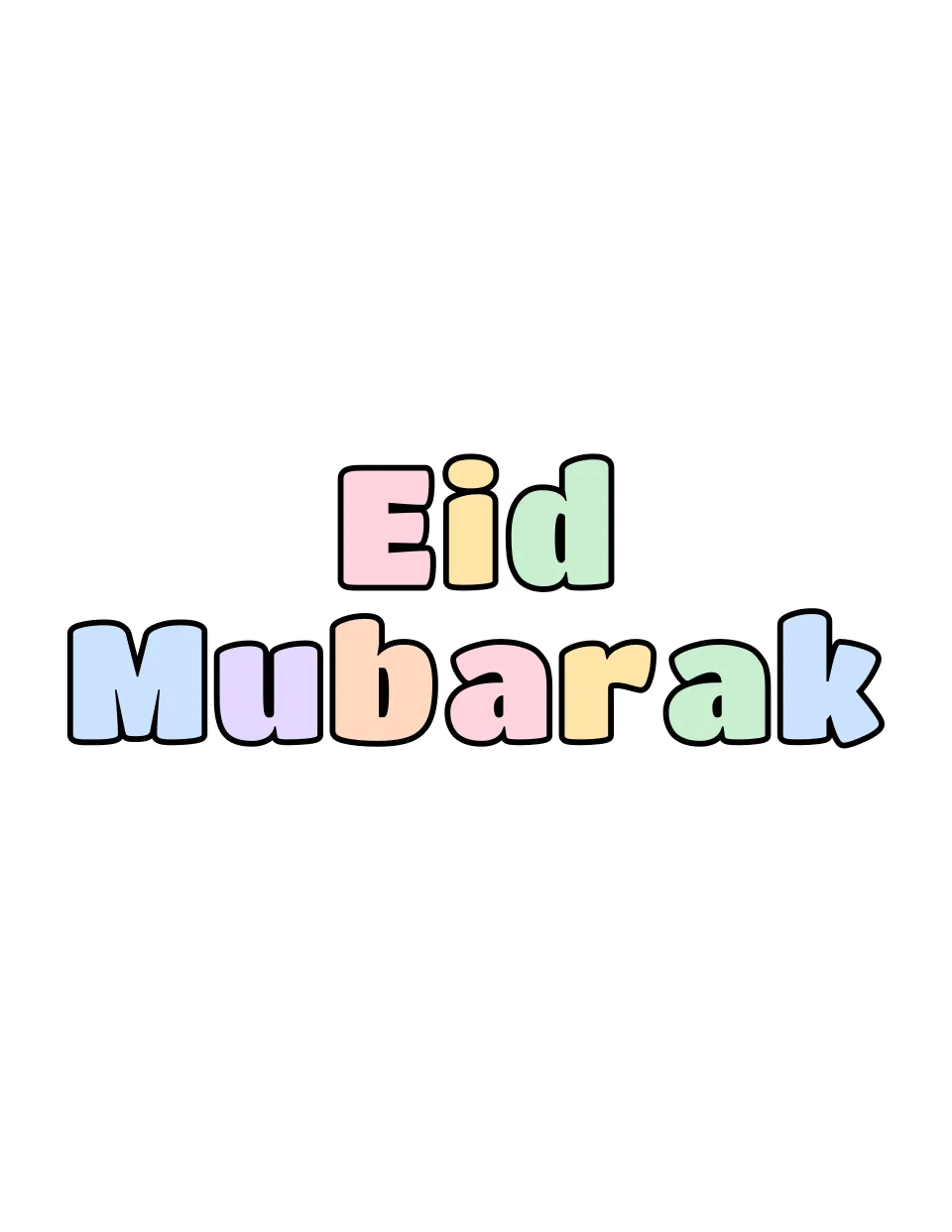
Every sheet is the letters alone, white inside a black outline, or a pastel per letter with Colors. Print and PDF take every page, up to 40, or the page on show, on US Letter or A4. The letters are drawn as shapes in your browser, so they print sharp at any size.
Tips for bubble letters
- Break a phrase with Enter where you want it, Eid on one line and Mubarak on the next.
- Type the class list, a name a line, and choose A line per page for a sign on every desk.
- Choose A letter per page for a banner, then punch two holes in each letter and thread them on string.
- Pick Rounded for preschoolers, whose plain shapes match the letters they are learning.
More printables
Need the whole alphabet? Printable bubble letters A-Z has ready-made sets of capitals, lowercase and numbers 0 to 9. To practice writing a name, use the name tracing generator, and for more to color, see our coloring pages. More are on our free printable makers page.
Questions about the bubble letter generator
Is the bubble letter generator free?
Yes. The bubble letter generator is free to use without signing up or giving an email, and you can make as many sheets as you like. Everything you print or download is free for home and classroom use, so make a name for every child in a class, or a new banner for each event at school.
Are the names I type private?
The letters are drawn in your browser, so the text stays on your device while you make them. Once you change anything, the page address holds your text and settings, so a bookmark brings the sheet back. That address travels like any link when you reload, bookmark or share it, so use a first name only in a link you send to others.
Why do my letters get smaller?
The generator makes the text as big as the page allows, so more letters on a line means smaller letters. Press Enter to split a long phrase into lines, choose Landscape for one long word, or choose A letter per page for the biggest letters. One page takes up to 6 lines and 40 letters, and the note under the text box says how much is left out.
Which letters and symbols can I use?
Capital and lowercase letters, the numbers 0 to 9 and everyday punctuation such as ! ? & and quotes all work, as do letters with accents like é, ñ and ü. Emoji and letters from other alphabets, such as Arabic, are left out, and the note under the text box names each one. Spaces only separate words, so a letter per page skips them.
Can I make cut-out bubble letters for a bulletin board?
Yes. Choose A letter per page and each letter of your text fills a sheet of its own from margin to margin, up to 40 pages. Print them all, color them, and cut just outside the black line. Card stock lasts longer on a wall, and two punched holes per letter let you hang them on a string.
Does the bubble letter generator work on a phone or tablet?
Yes. It works in any modern browser on a phone or tablet, with nothing to install. On a small screen the pages sit in a row above the preview and the settings follow below it. Download the PDF to print it later, or print straight from the phone to a wireless printer. Choose A4 under Paper if your printer uses A4 paper.